
LinkedIn Case Study
B2B proof that earns the share
Create a LinkedIn-native case study video — professional framing with captions, a clear 'problem → solution → results' narrative, data points as animated text overlays, and a conversational expert tone that respects the audience's intelligence
Opens the Wavemaker composer with this style pre-selected.
LinkedIn Case Study is an AI social & creator video style — b2B proof that earns the share. Wavemaker generates the entire video for you — script, visuals, voiceover, and music — and assembles a finished, ready-to-share piece in minutes.
Pick LinkedIn Case Study, describe your idea or paste a URL, and Wavemaker applies the style's tuned recipe (its look, pacing, framing, voice, and structure) to your content. Refine any scene in plain language, then export in the aspect ratio you need (vertical, square, or widescreen).
How to create a linkedin case study video
-
Describe your video
Paste a link or type a one-line brief. Wavemaker reads it, pulls your brand, and plans the scenes, script, and pacing for you.
-
Pick a style
Choose one of the styles on this page. Each is a tuned recipe — look, cut rhythm, voice, and structure — applied automatically to your brief.
-
Generate and refine
Wavemaker writes the script, generates every shot and voiceover, and assembles a finished video. Tweak any scene in chat or on the canvas, then export.
LinkedIn Case Study — FAQs
What is the LinkedIn Case Study video style?
LinkedIn Case Study is a social & creator style on Wavemaker — b2B proof that earns the share Selecting it steers the whole generation — look, cut rhythm, voice, and scene structure — toward that result, so you get a consistent LinkedIn Case Study feel without configuring anything.
How do I make a LinkedIn Case Study video?
Open the Wavemaker composer, choose LinkedIn Case Study, describe your idea (or paste a link), and Wavemaker writes the script, generates the visuals and voiceover, and assembles the video. Tweak any scene in chat and export.
What aspect ratios can I export?
Vertical (9:16) for TikTok, Reels, and Shorts, square (1:1), and widescreen (16:9) for YouTube and the web. Some styles default to the ratio that performs best for their format.
Are these vertical by default?
Yes — Social & Creator styles default to 9:16 vertical, the native ratio for TikTok, Instagram Reels, and YouTube Shorts.
Do I get captions?
Word-synced dynamic captions are built in for these styles, since silent autoplay is the norm on social feeds.
Can it match a trend or audio?
Describe the trend or upload your own track and Wavemaker paces the cuts to it and writes copy that fits the format.
More Social & Creator styles
-
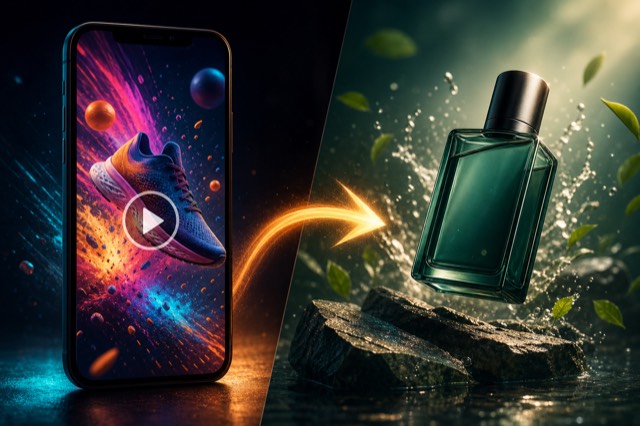 Recreate an Ad Clone a winning ad's structure with your brand
 -
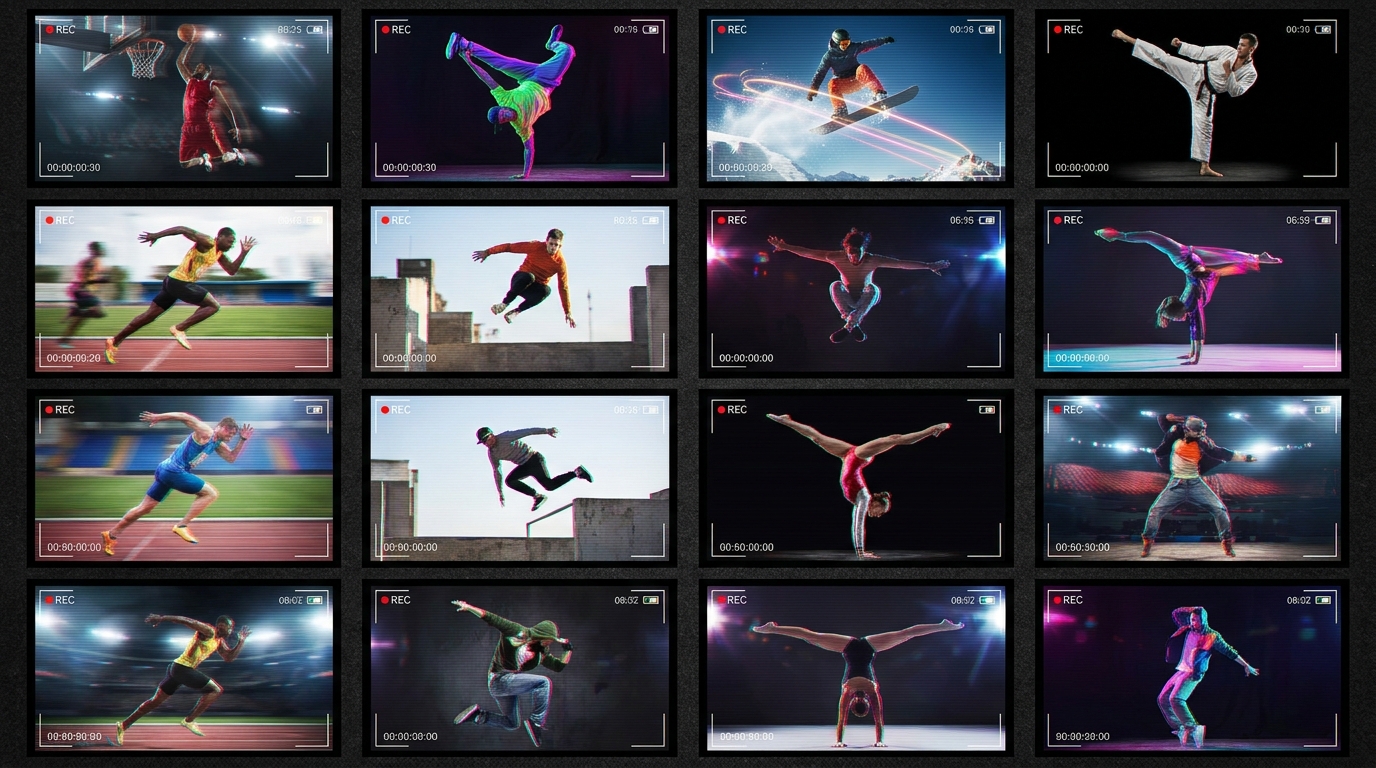 Clipcut 30 cuts in 15 seconds — every beat lands
 -
 Sticker Match Cut Stickers chain-cut through a product story
 -
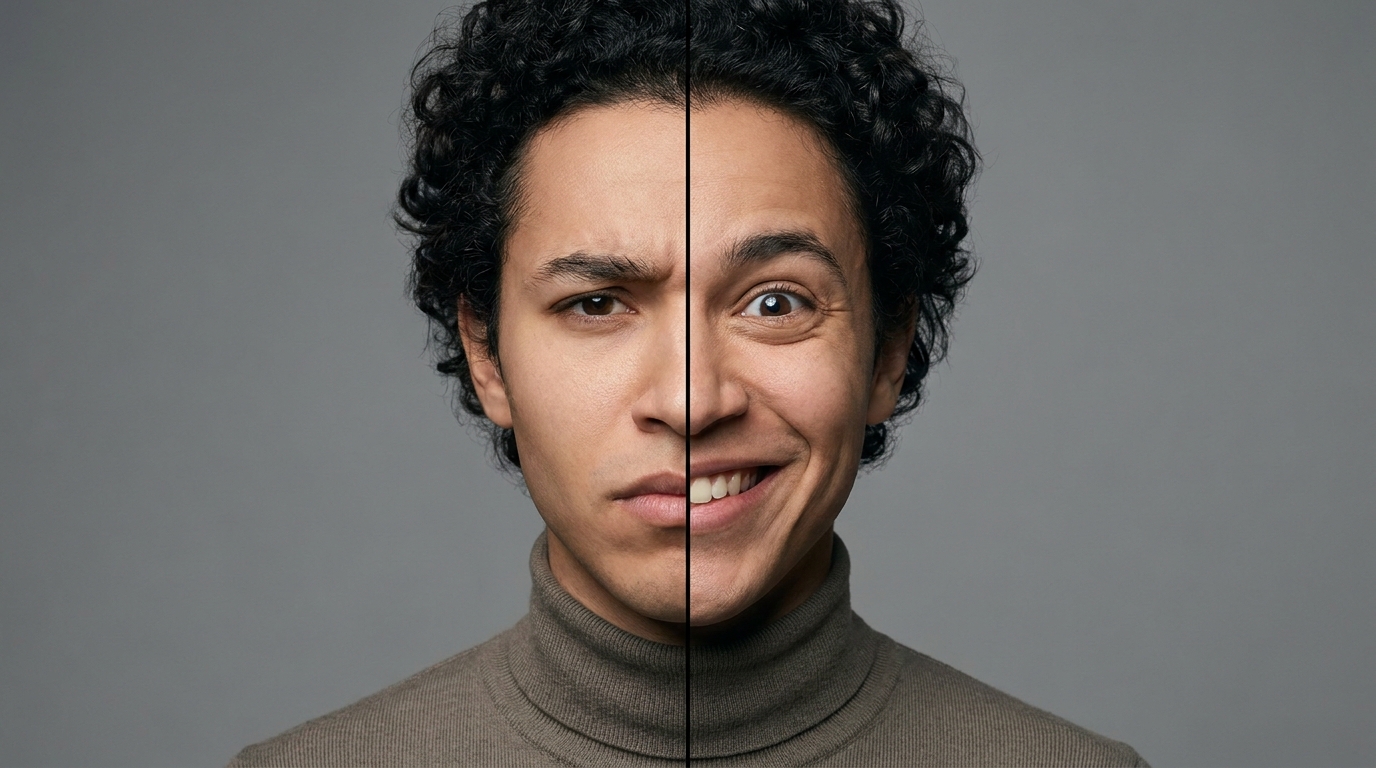 Face Swap Skeptic's face swaps to pure delight
 -
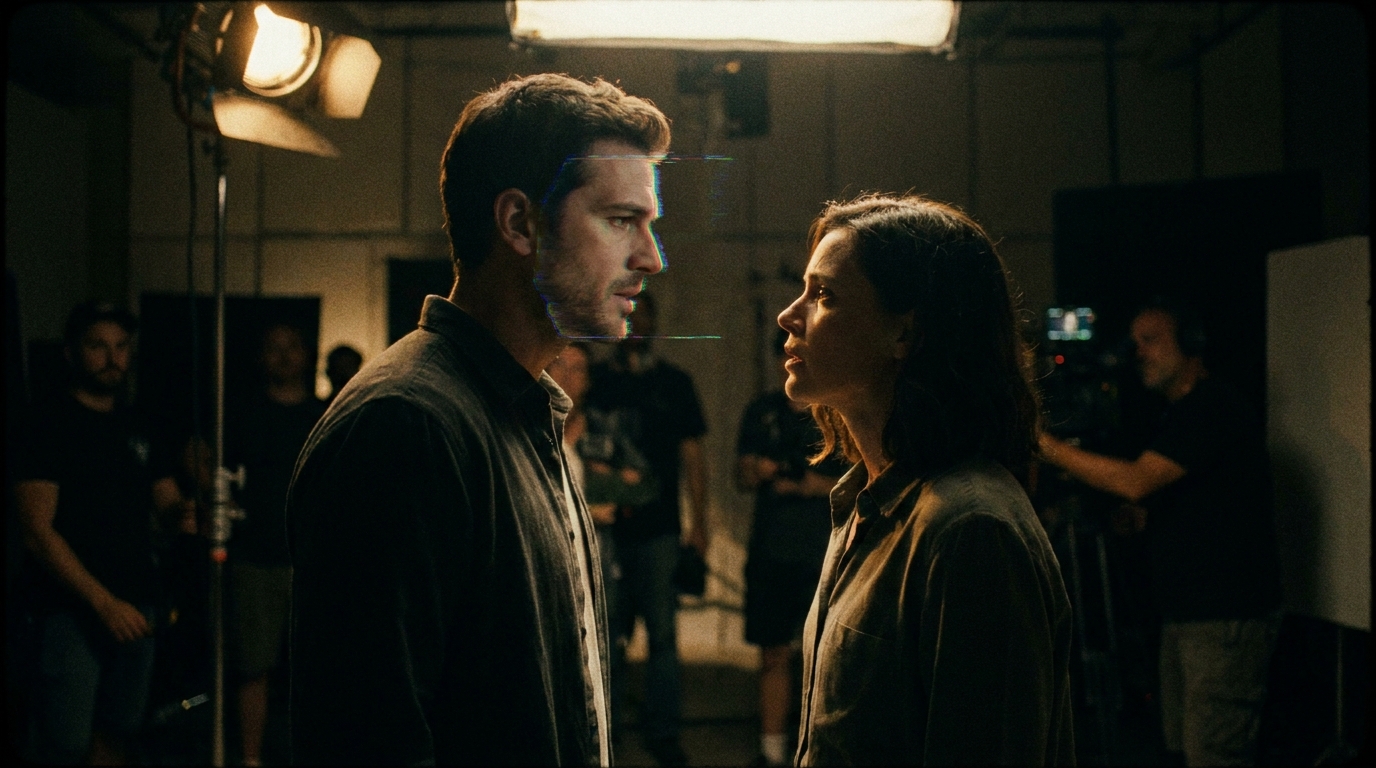 Video Face Swap Classic scene recast with a new face
 -
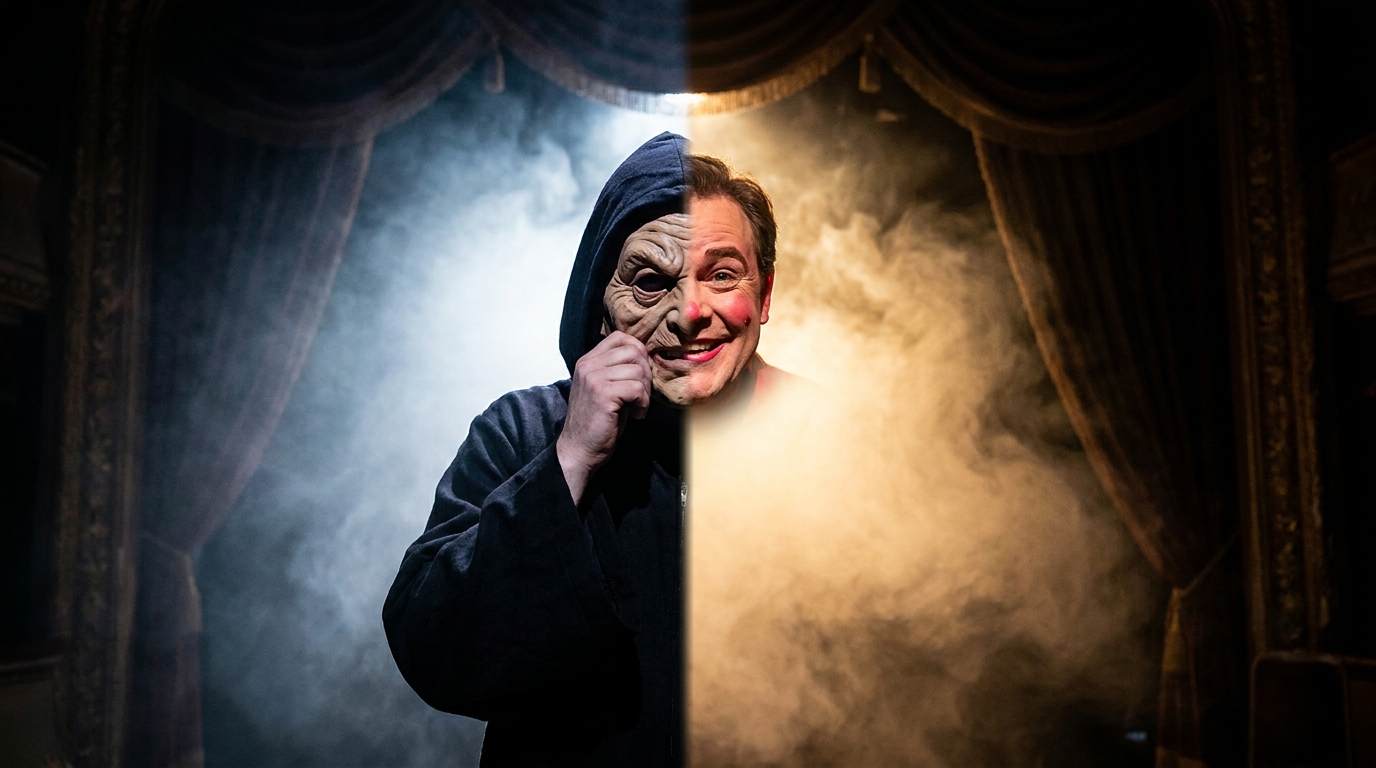 Character Swap Villain unmasks as the brand hero