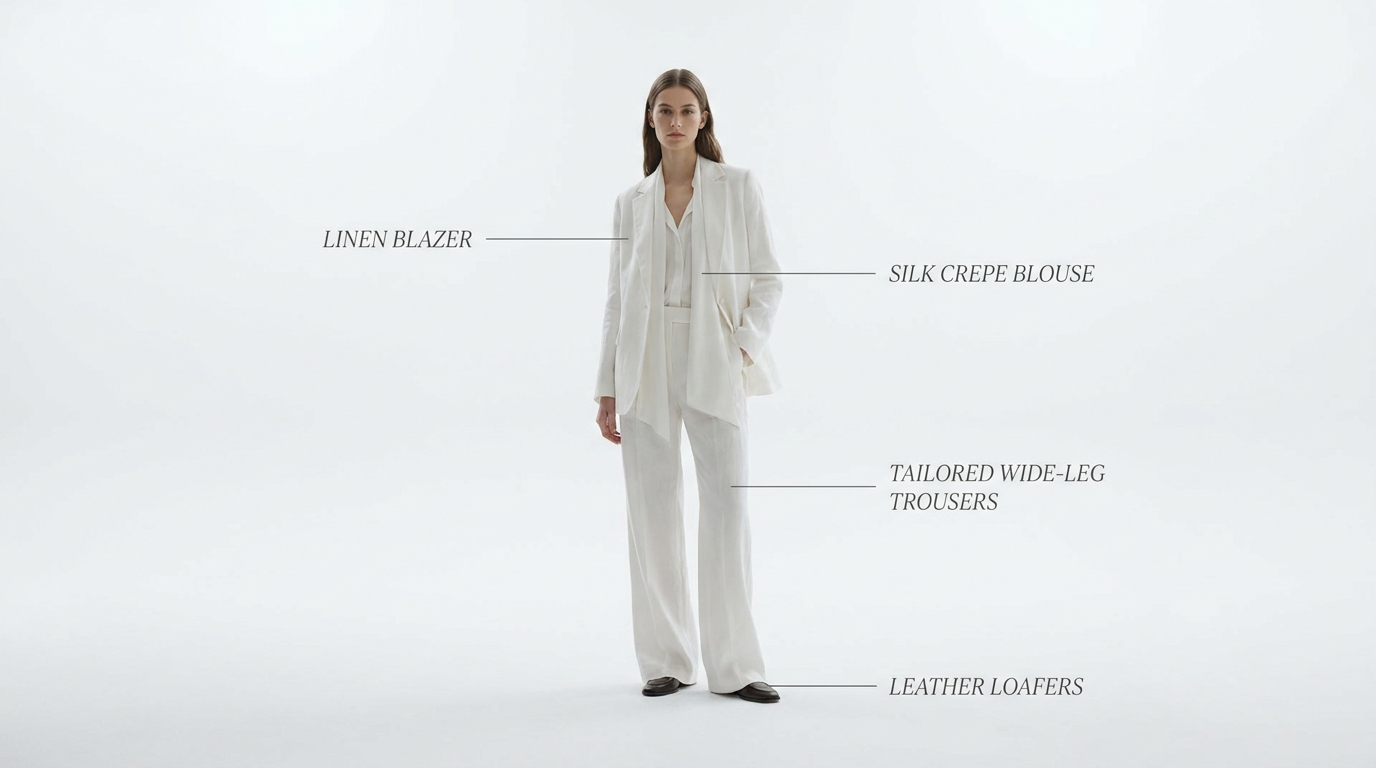
Outfit Shot
Clean look showcase with styled callouts
Create a clean outfit showcase where a model steps into frame and each piece of the look is highlighted with elegant floating text callouts naming the brand
Opens the Wavemaker composer with this style pre-selected.
Outfit Shot is an AI ads & marketing video style — clean look showcase with styled callouts. Wavemaker generates the entire video for you — script, visuals, voiceover, and music — and assembles a finished, ready-to-share piece in minutes.
Pick Outfit Shot, describe your idea or paste a URL, and Wavemaker applies the style's tuned recipe (its look, pacing, framing, voice, and structure) to your content. Refine any scene in plain language, then export in the aspect ratio you need (vertical, square, or widescreen).
How to create a outfit shot video
-
Describe your video
Paste a link or type a one-line brief. Wavemaker reads it, pulls your brand, and plans the scenes, script, and pacing for you.
-
Pick a style
Choose one of the styles on this page. Each is a tuned recipe — look, cut rhythm, voice, and structure — applied automatically to your brief.
-
Generate and refine
Wavemaker writes the script, generates every shot and voiceover, and assembles a finished video. Tweak any scene in chat or on the canvas, then export.
Outfit Shot — FAQs
What is the Outfit Shot video style?
Outfit Shot is a ads & marketing style on Wavemaker — clean look showcase with styled callouts Selecting it steers the whole generation — look, cut rhythm, voice, and scene structure — toward that result, so you get a consistent Outfit Shot feel without configuring anything.
How do I make a Outfit Shot video?
Open the Wavemaker composer, choose Outfit Shot, describe your idea (or paste a link), and Wavemaker writes the script, generates the visuals and voiceover, and assembles the video. Tweak any scene in chat and export.
What aspect ratios can I export?
Vertical (9:16) for TikTok, Reels, and Shorts, square (1:1), and widescreen (16:9) for YouTube and the web. Some styles default to the ratio that performs best for their format.
Can I make an ad from just my website?
Yes. Paste your product or store URL and Wavemaker scrapes your brand, products, and copy, then builds the ad around them — no manual asset upload required.
Will it use my real product images?
When you provide a URL or upload photos, Wavemaker uses your real product as a reference so it stays consistent across every scene instead of inventing a lookalike.
More Ads & Marketing styles
-
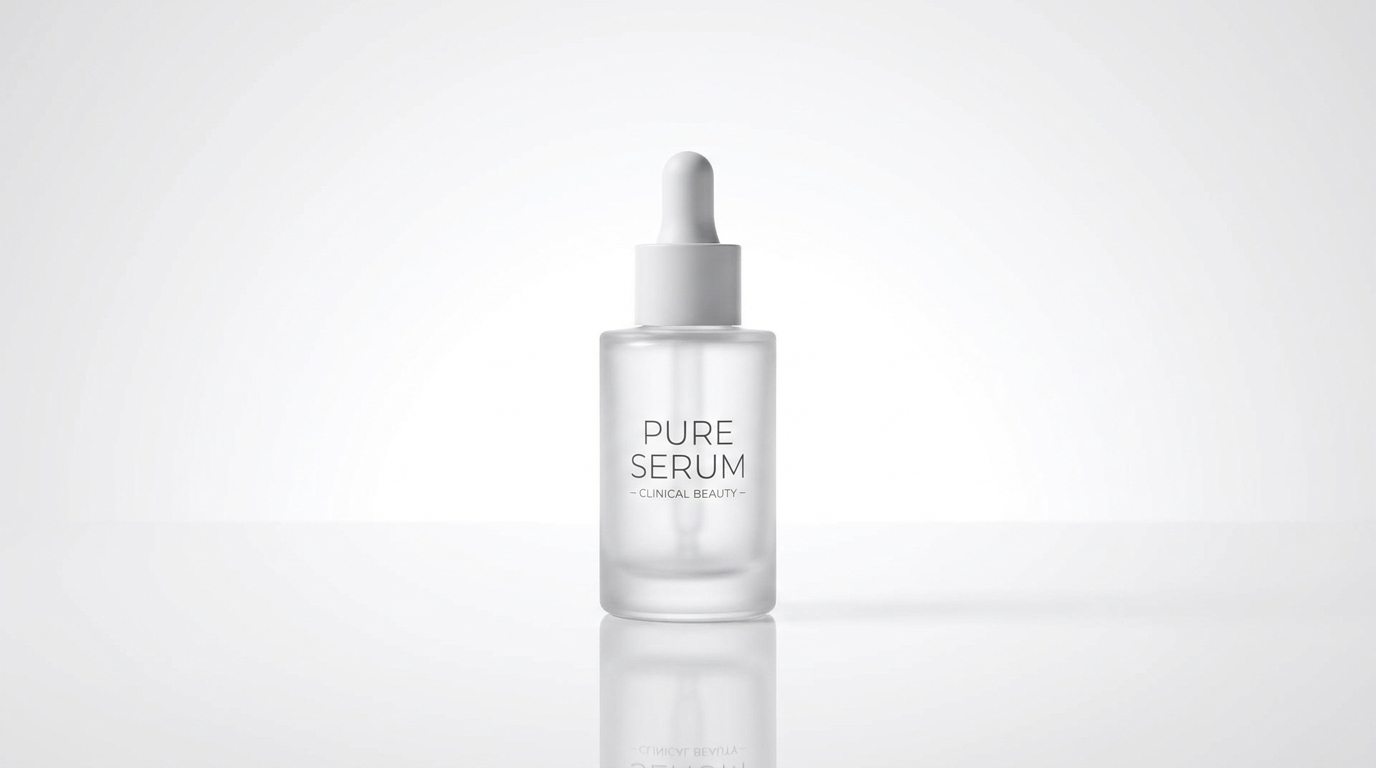 Packshot Studio-perfect product hero shot
 -
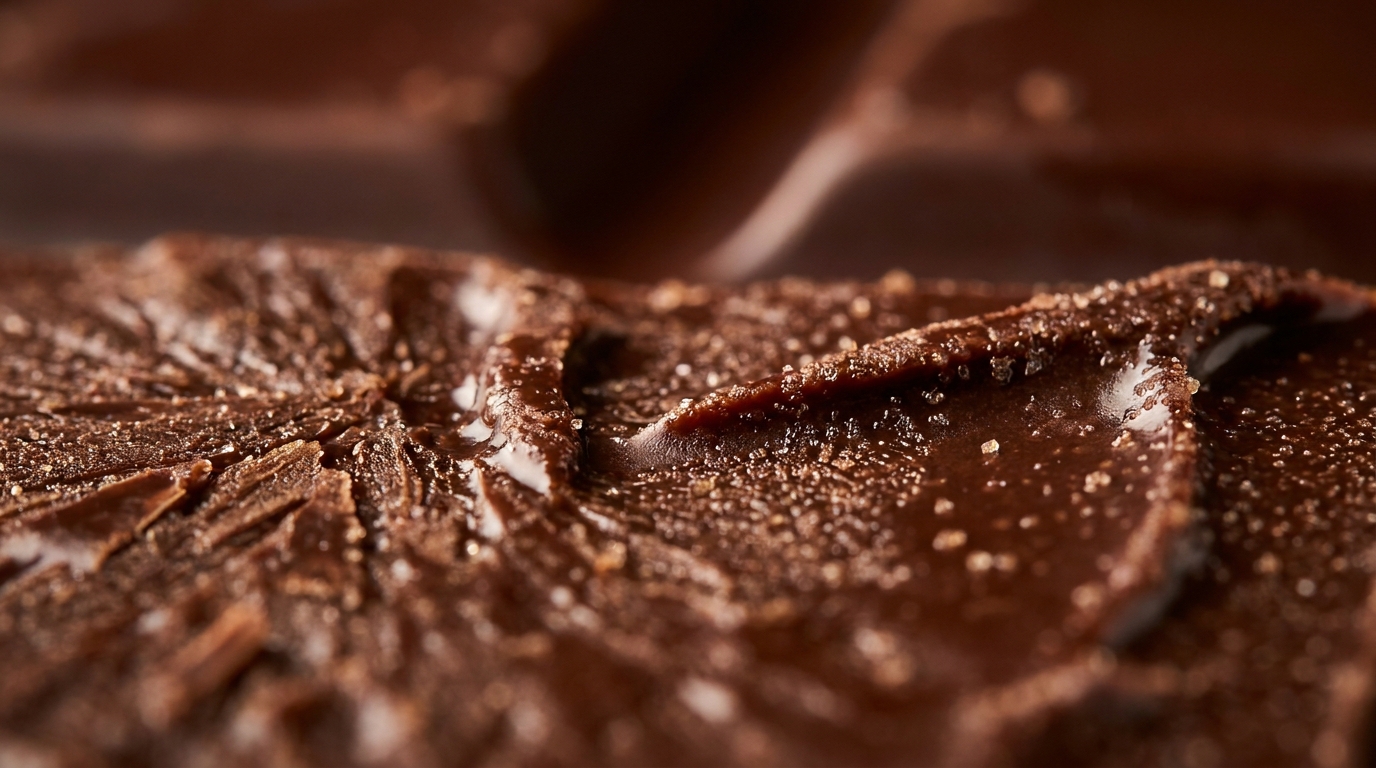 Macroshot Product Extreme close-up reveals unseen texture
 -
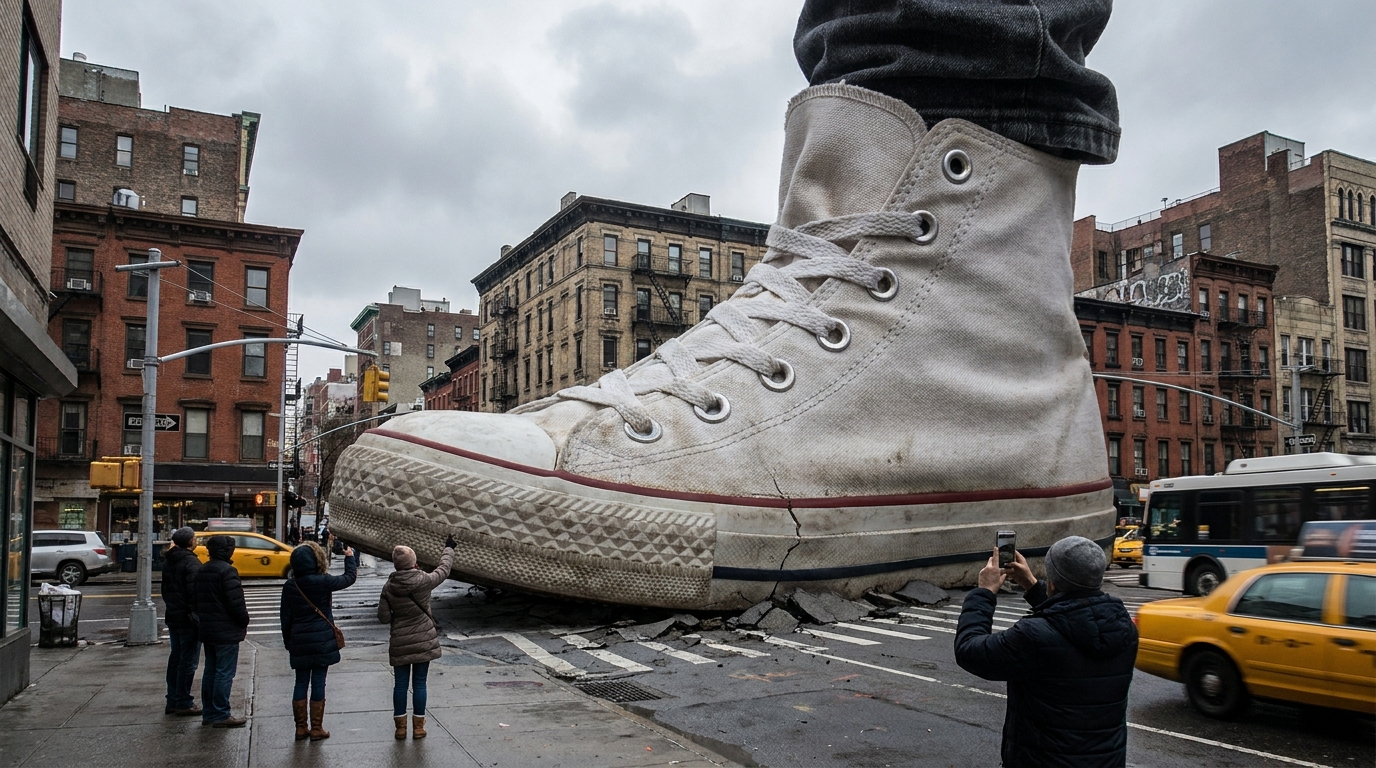 Giant Product Oversized product dominates the real world
 -
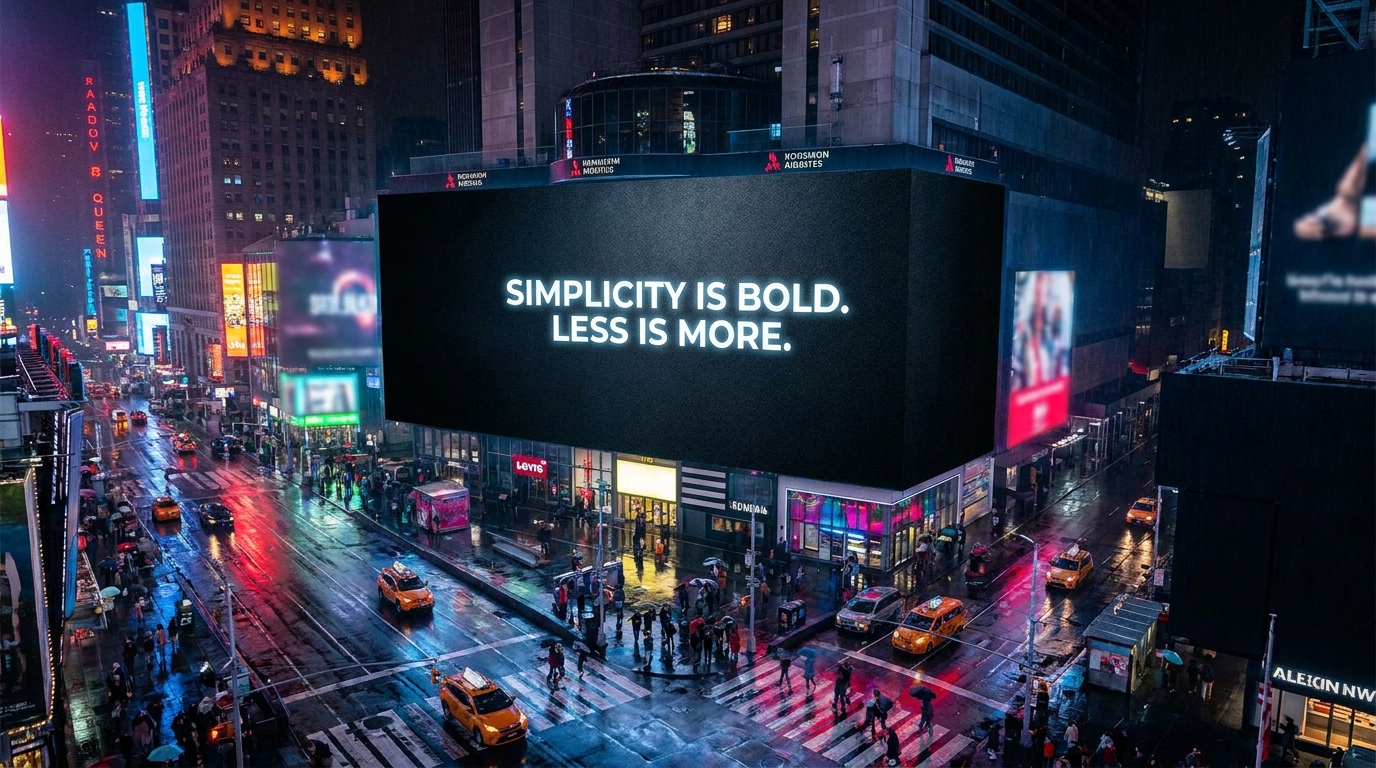 Billboard Ad Animated billboard in a city nightscape
 -
 Signboard Chalk lettering appears stroke by stroke
 -
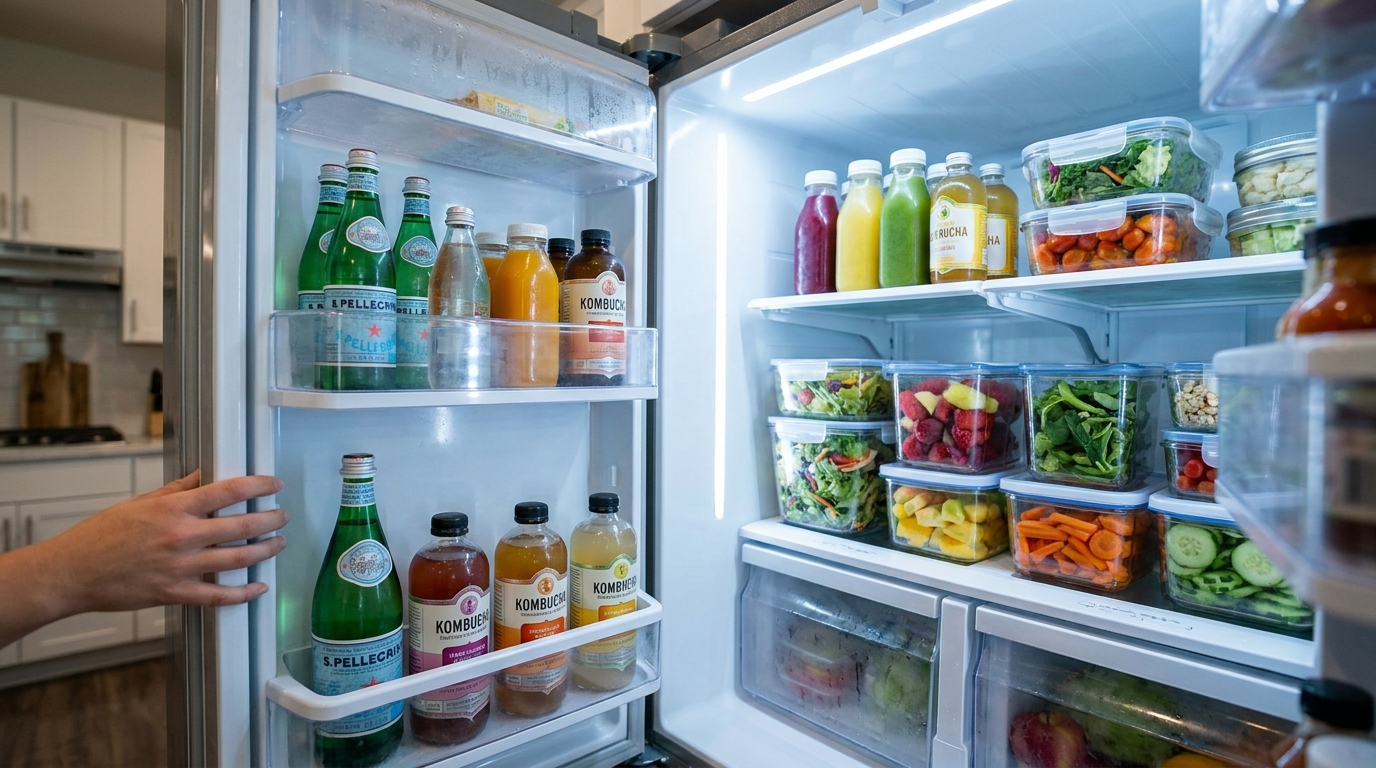 Fridge Ad Open the fridge. Find the brand inside.