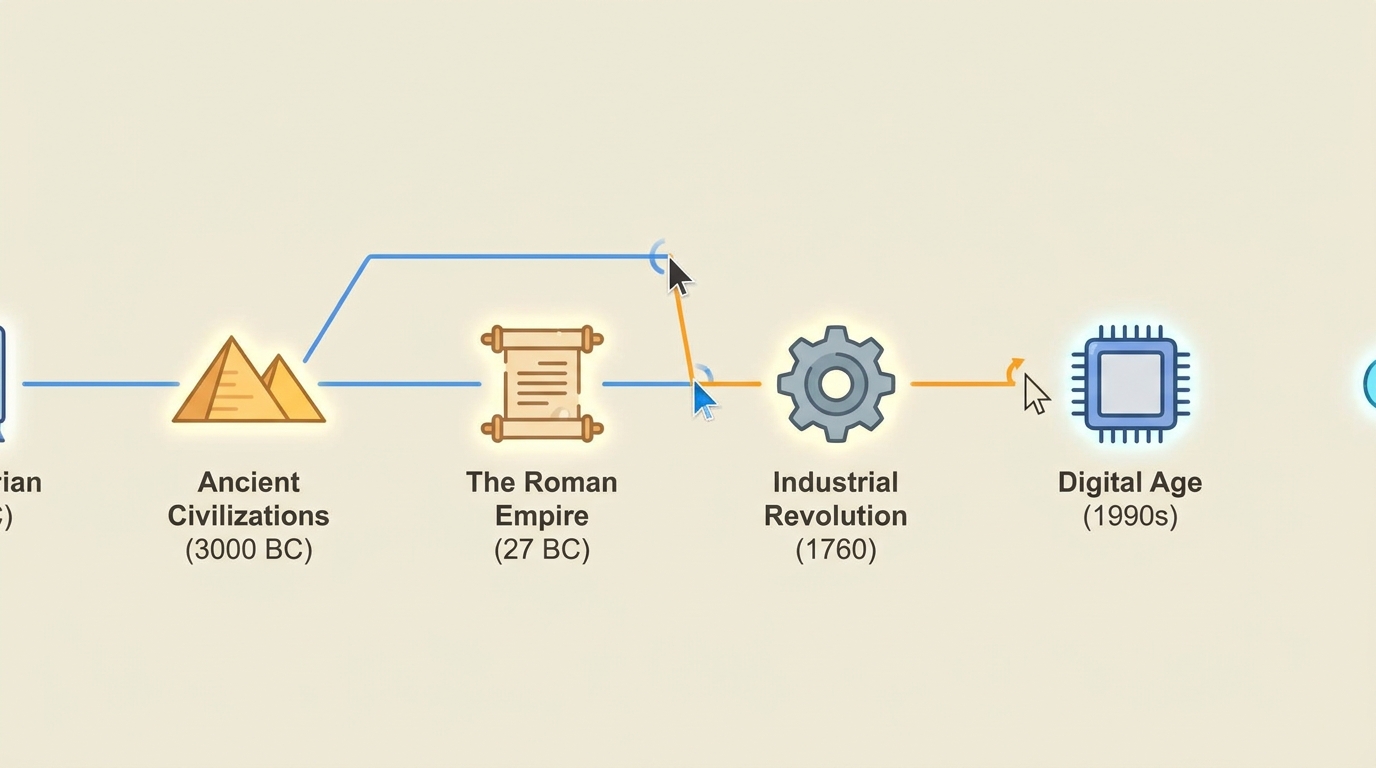
Animated Timeline
History unfolds left to right
Make an animated historical or brand timeline — events appear chronologically from left to right with dates, icons, and brief text, each milestone connecting to the next with smooth motion and a building narrative
Opens the Wavemaker composer with this style pre-selected.
Animated Timeline is an AI news & current affairs video style — history unfolds left to right. Wavemaker generates the entire video for you — script, visuals, voiceover, and music — and assembles a finished, ready-to-share piece in minutes.
Pick Animated Timeline, describe your idea or paste a URL, and Wavemaker applies the style's tuned recipe (its look, pacing, framing, voice, and structure) to your content. Refine any scene in plain language, then export in the aspect ratio you need (vertical, square, or widescreen).
How to create a animated timeline video
-
Describe your video
Paste a link or type a one-line brief. Wavemaker reads it, pulls your brand, and plans the scenes, script, and pacing for you.
-
Pick a style
Choose one of the styles on this page. Each is a tuned recipe — look, cut rhythm, voice, and structure — applied automatically to your brief.
-
Generate and refine
Wavemaker writes the script, generates every shot and voiceover, and assembles a finished video. Tweak any scene in chat or on the canvas, then export.
Animated Timeline — FAQs
What is the Animated Timeline video style?
Animated Timeline is a news & current affairs style on Wavemaker — history unfolds left to right Selecting it steers the whole generation — look, cut rhythm, voice, and scene structure — toward that result, so you get a consistent Animated Timeline feel without configuring anything.
How do I make a Animated Timeline video?
Open the Wavemaker composer, choose Animated Timeline, describe your idea (or paste a link), and Wavemaker writes the script, generates the visuals and voiceover, and assembles the video. Tweak any scene in chat and export.
What aspect ratios can I export?
Vertical (9:16) for TikTok, Reels, and Shorts, square (1:1), and widescreen (16:9) for YouTube and the web. Some styles default to the ratio that performs best for their format.
Can it cover a current topic?
Paste an article or describe the story and Wavemaker structures it into a news-style segment with a clear headline and recap.
Does it sound like a real broadcast?
These styles use an anchor-style narrator voice and broadcast pacing, with on-screen headlines and lower-thirds.
How current is the information?
Wavemaker builds from the source you provide — paste the latest article or notes so the segment reflects what you give it.
More News & Current Affairs styles
-
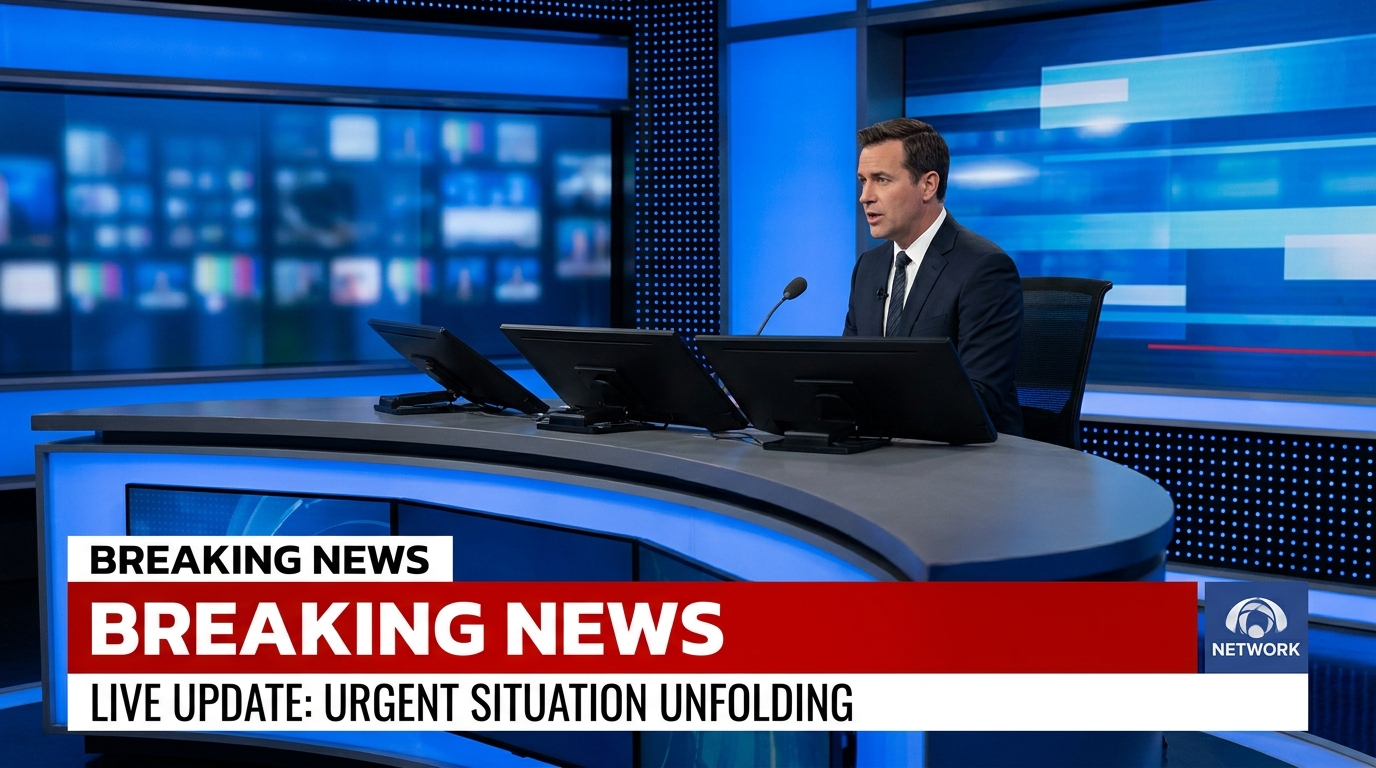 Breaking News Urgent, credible, first on the story
 -
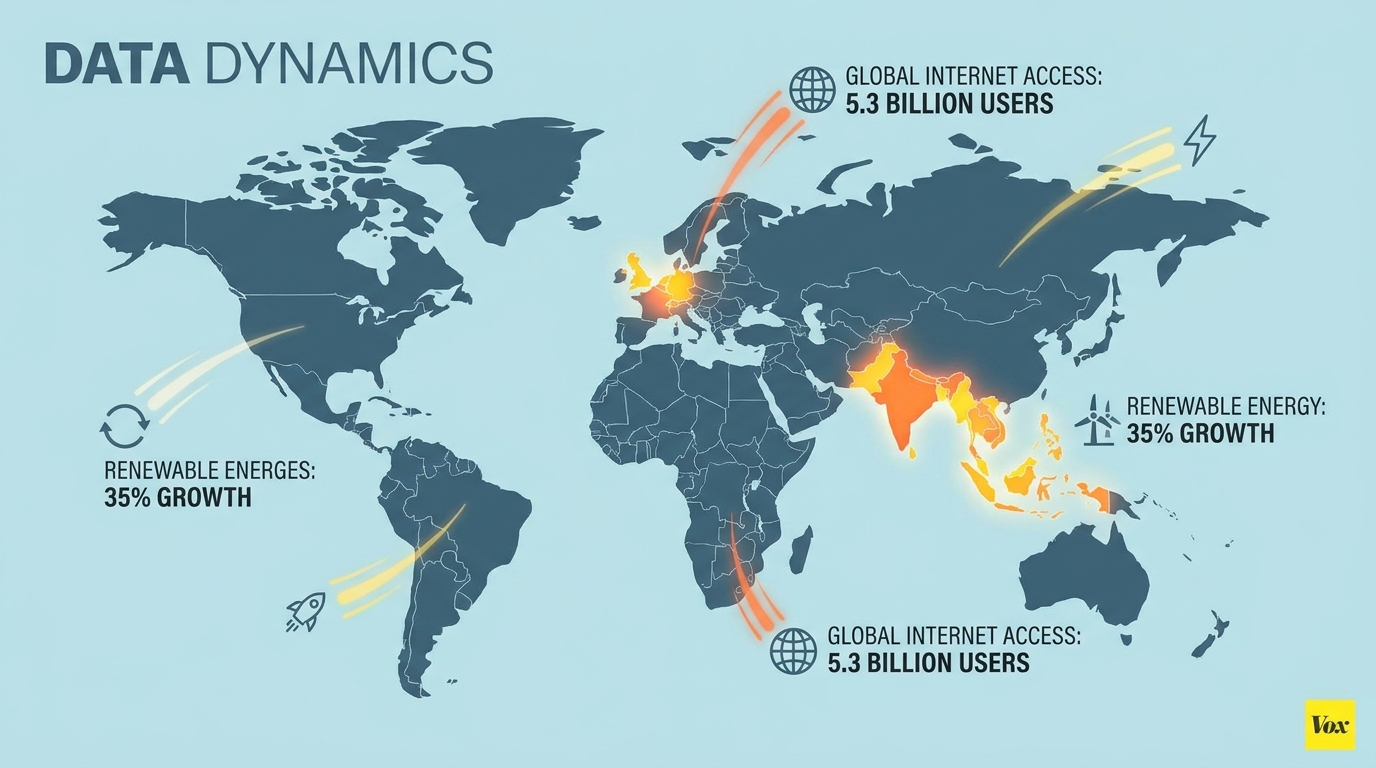 Vox Explainer Why this matters — animated and grounded
 -
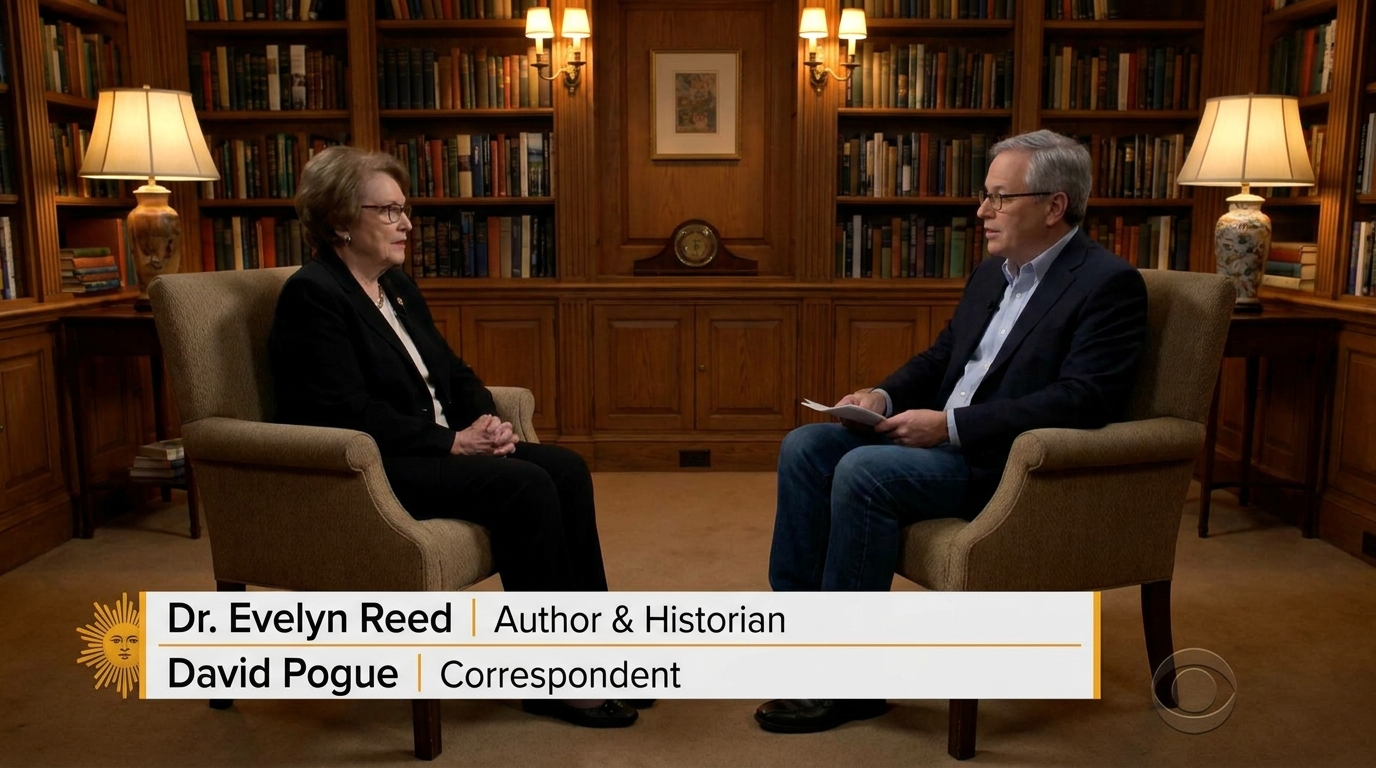 Sit-Down Interview Long-form credibility — two chairs, one truth
 -
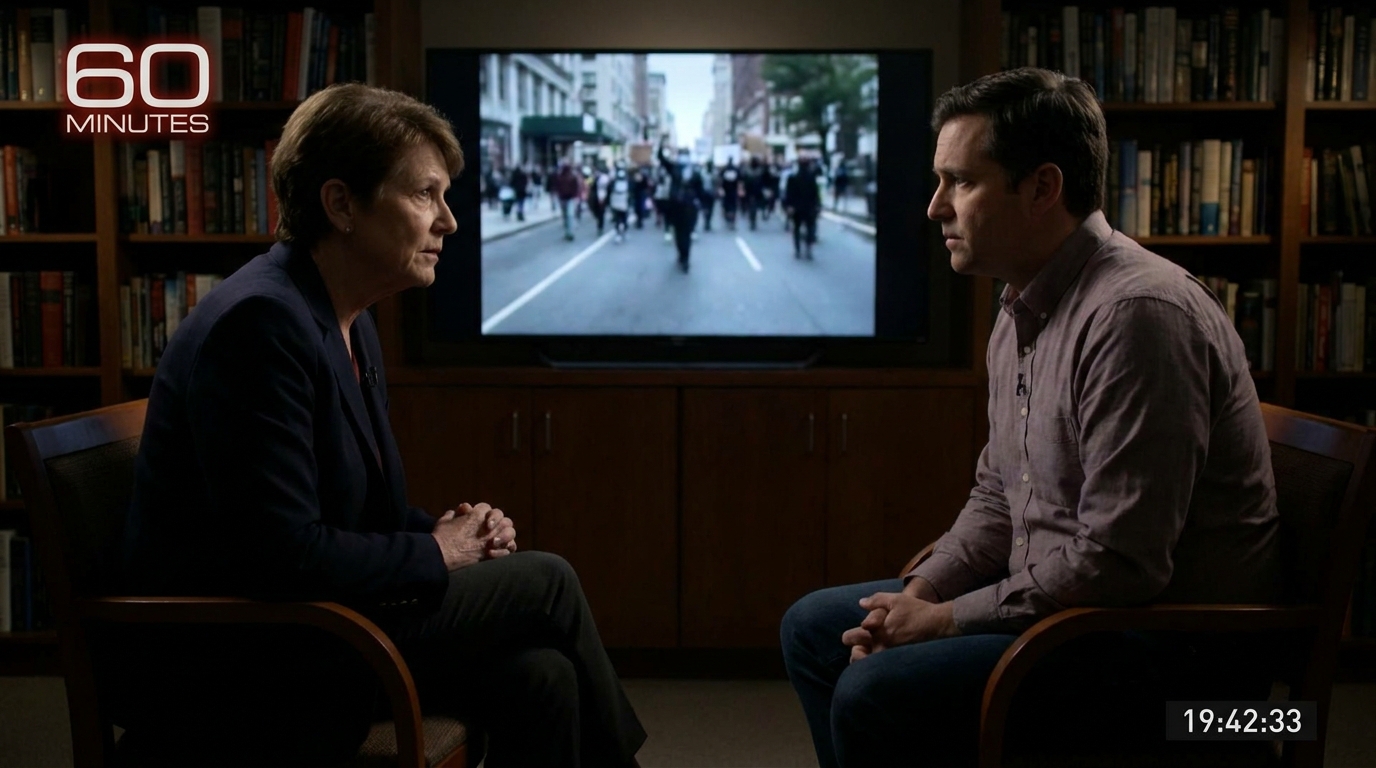 News Magazine 60 Minutes-depth in a short-form format
 -
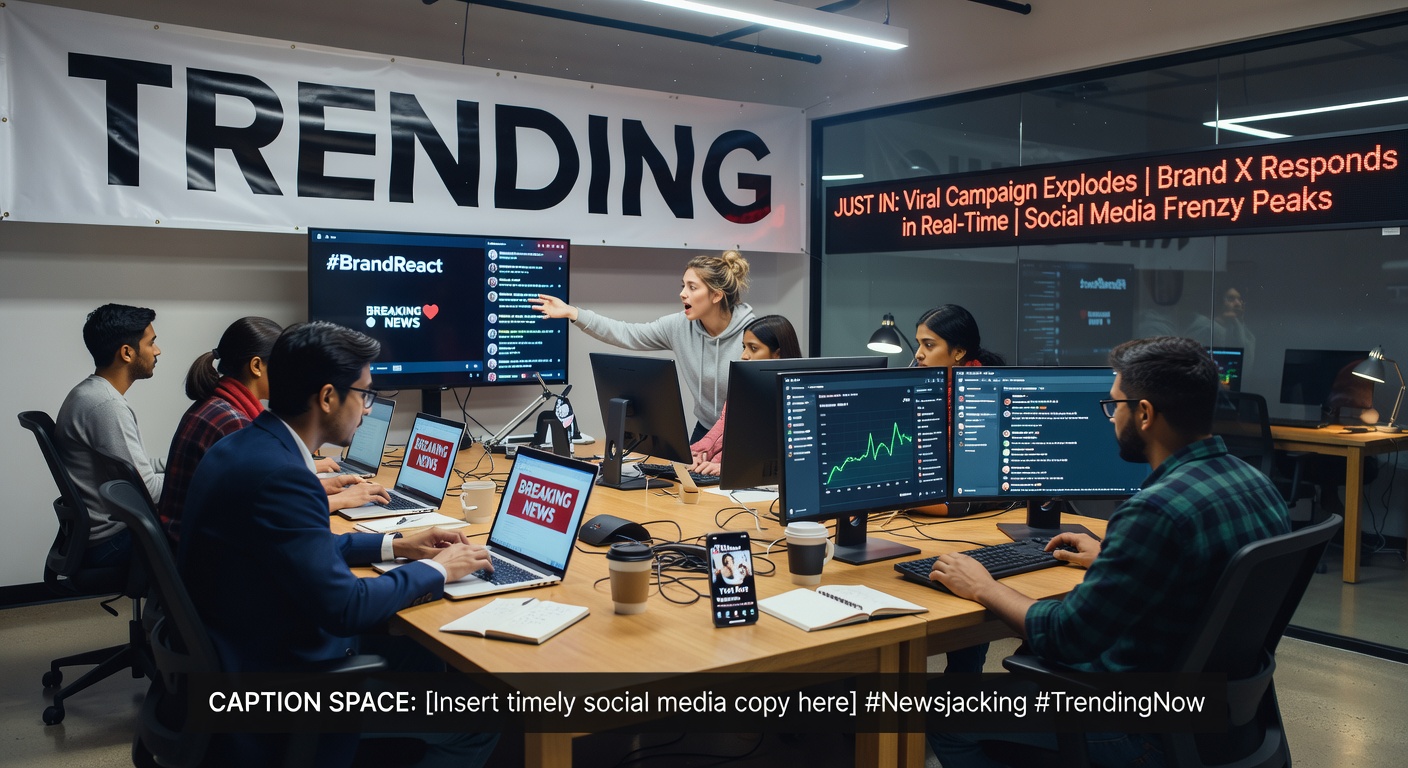 Newsjack Ride the trending moment while it's hot