Music & Audio Video Styles
9 AI music & audio styles. Each one is a tuned recipe — click a style to see an example and start creating.
Music-led video — lyric videos, music visualizers, audio-driven montages, and visuals cut to a track. The Music & Audio styles put the song first and build the imagery around its structure and energy.
Upload a track or describe the vibe and Wavemaker analyzes the tempo and sections, then cuts the visuals to the beat with the mood the music calls for.
-
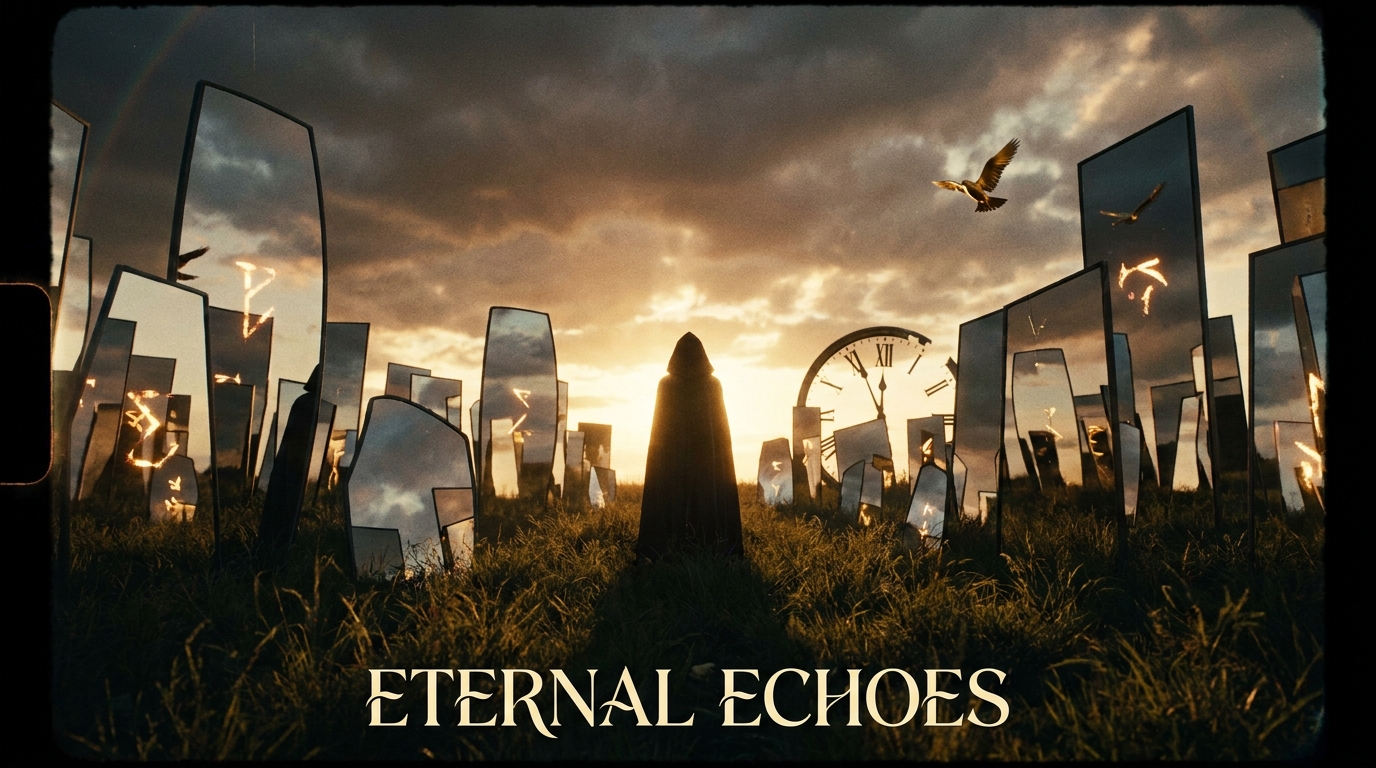 Music Video Concept Narrative storytelling synced to a track
 -
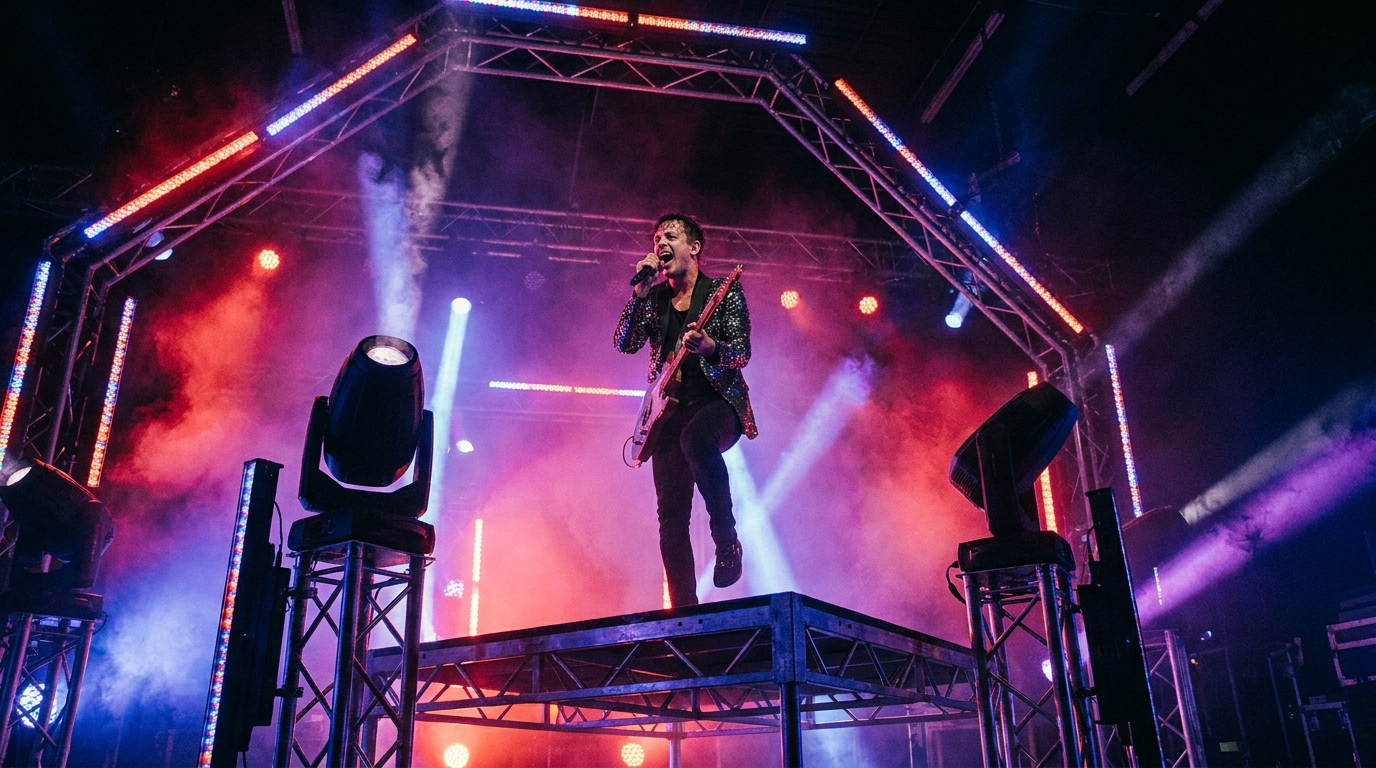 Music Video Performance Artist on stage, all lights on them
 -
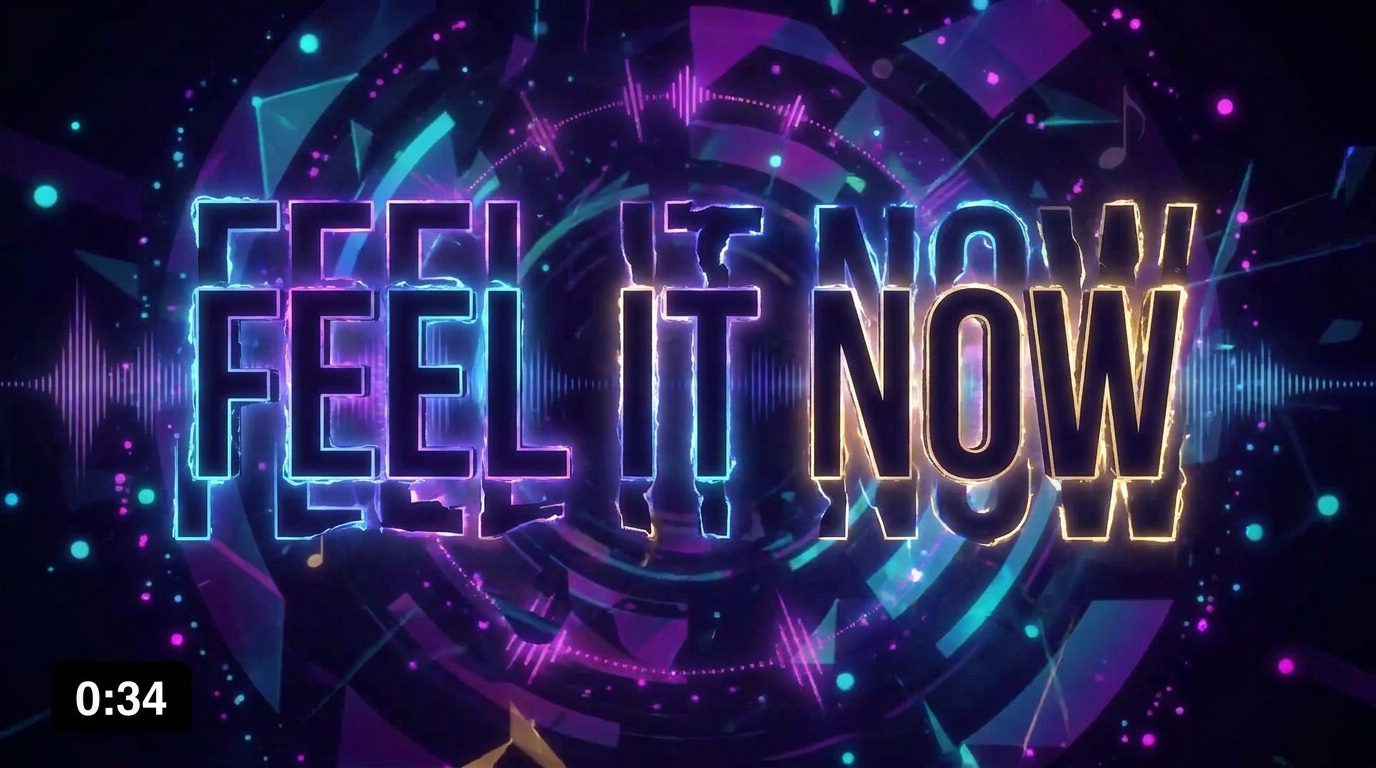 Lyric Video Words animate in sync with every beat
 -
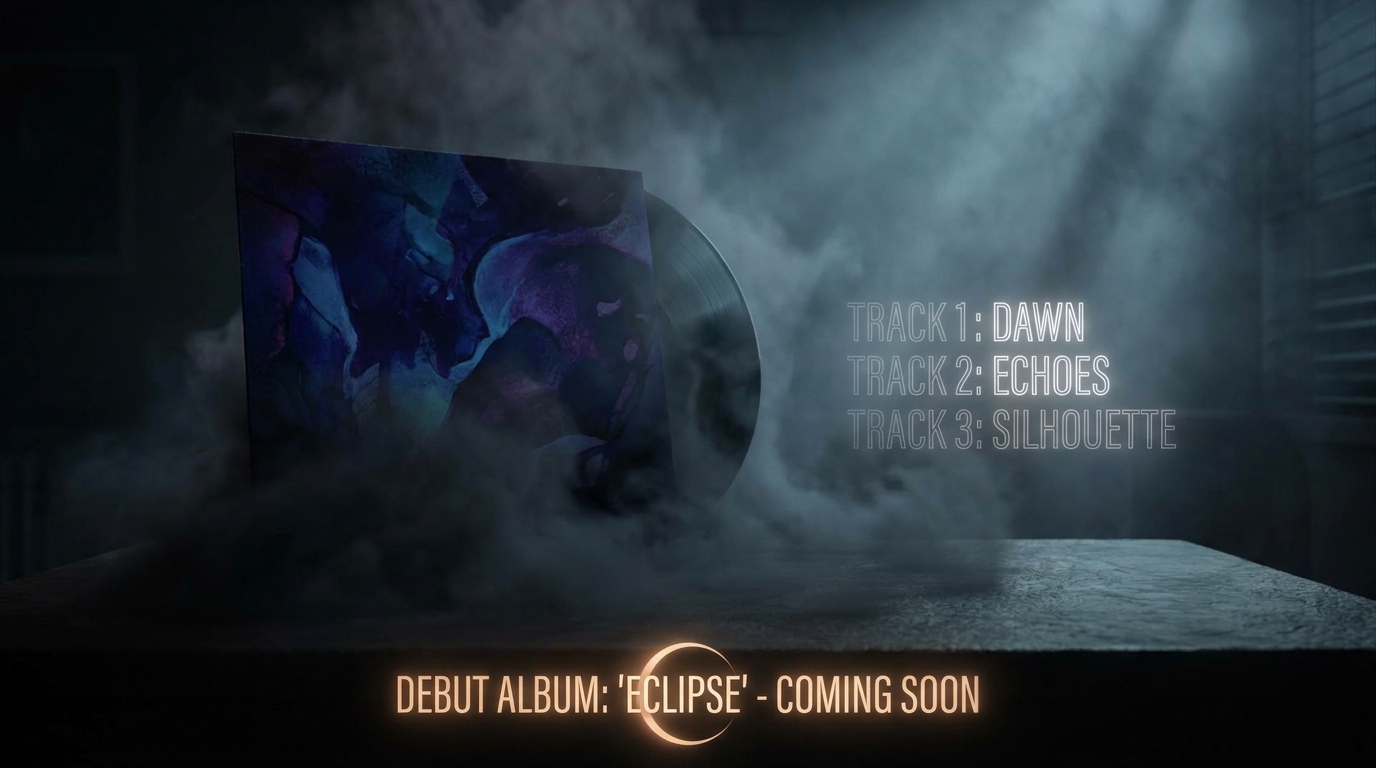 Album Drop Dramatic track-list reveal, release date countdown
 -
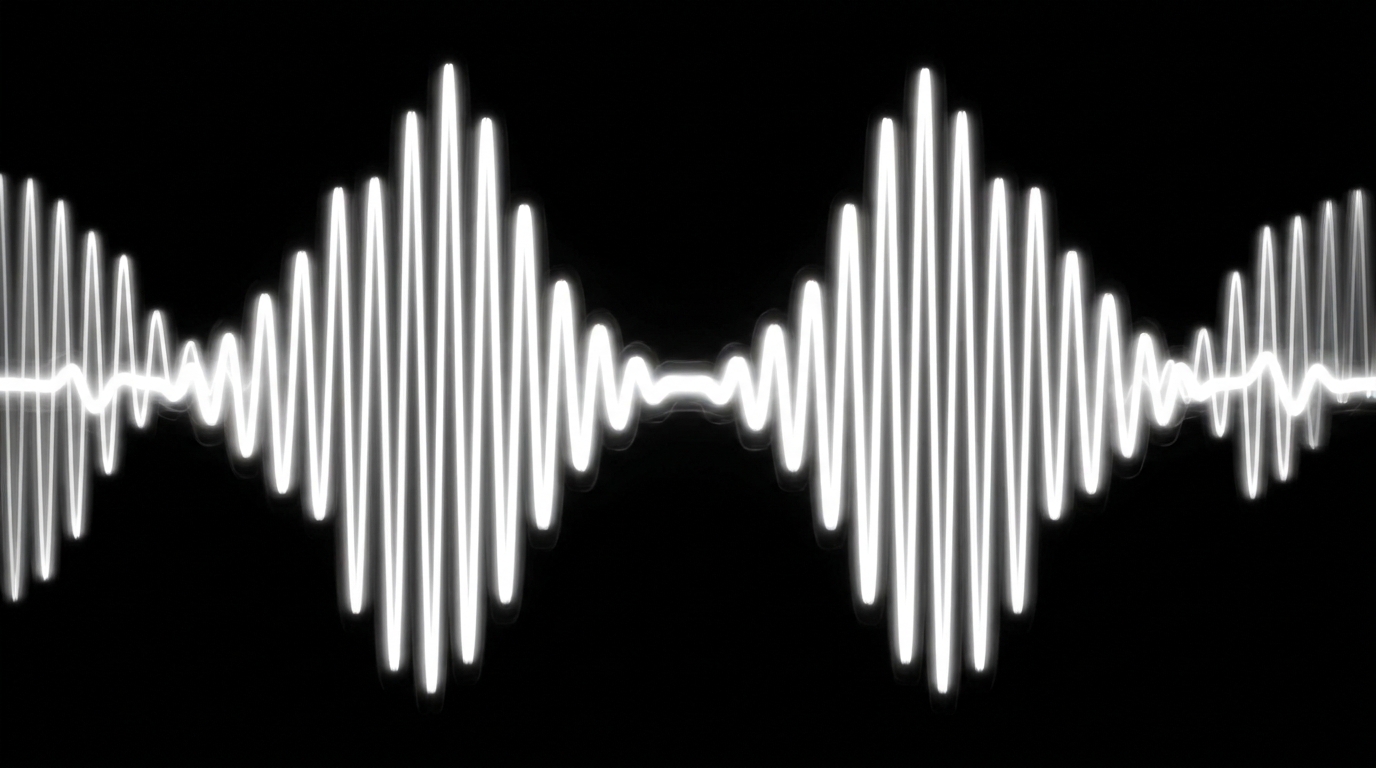 Sound Wave Viz Audio made visible — waveforms as art
 -
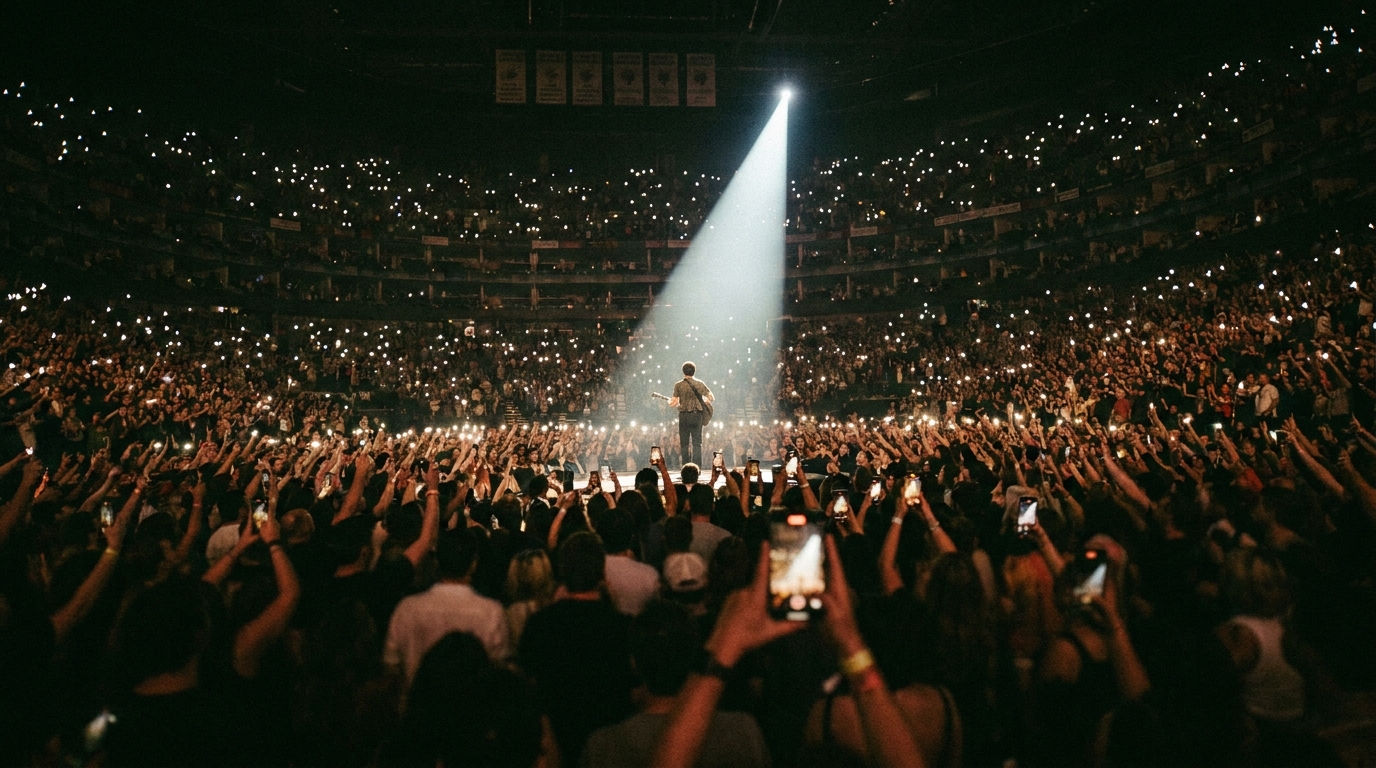 Concert Film Live energy bottled into a short film
 -
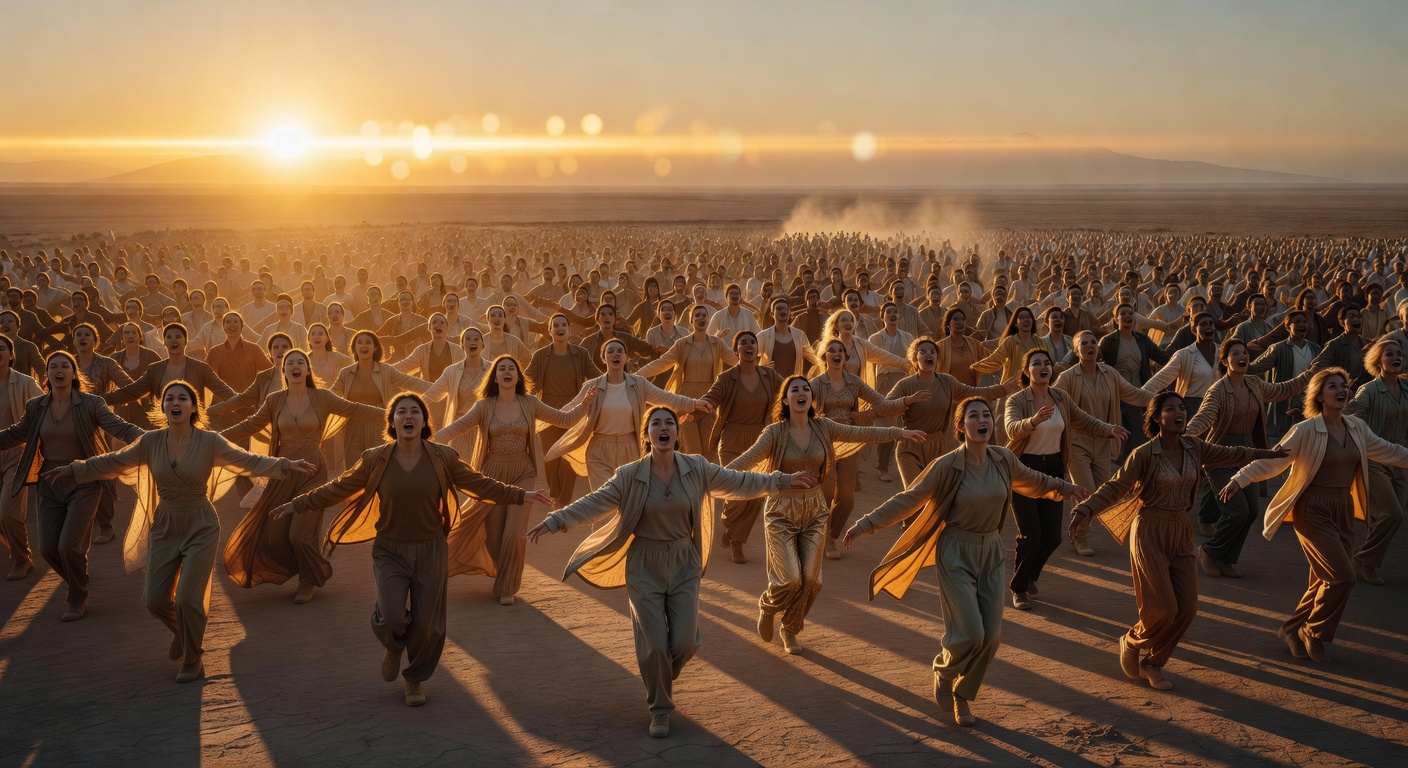 Brand Anthem The song that makes you feel the brand
 -
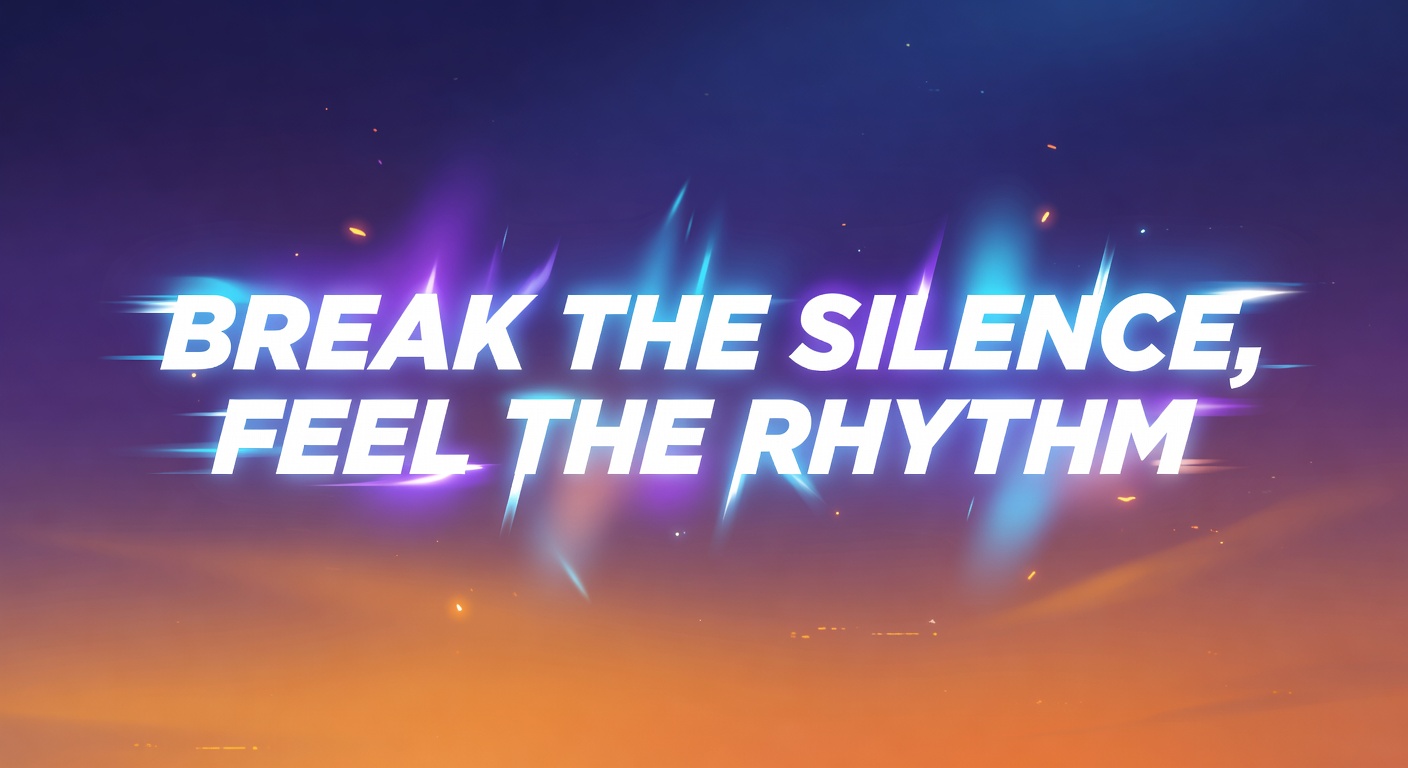 Lyric Video The words are the hero — animated to the beat
 -
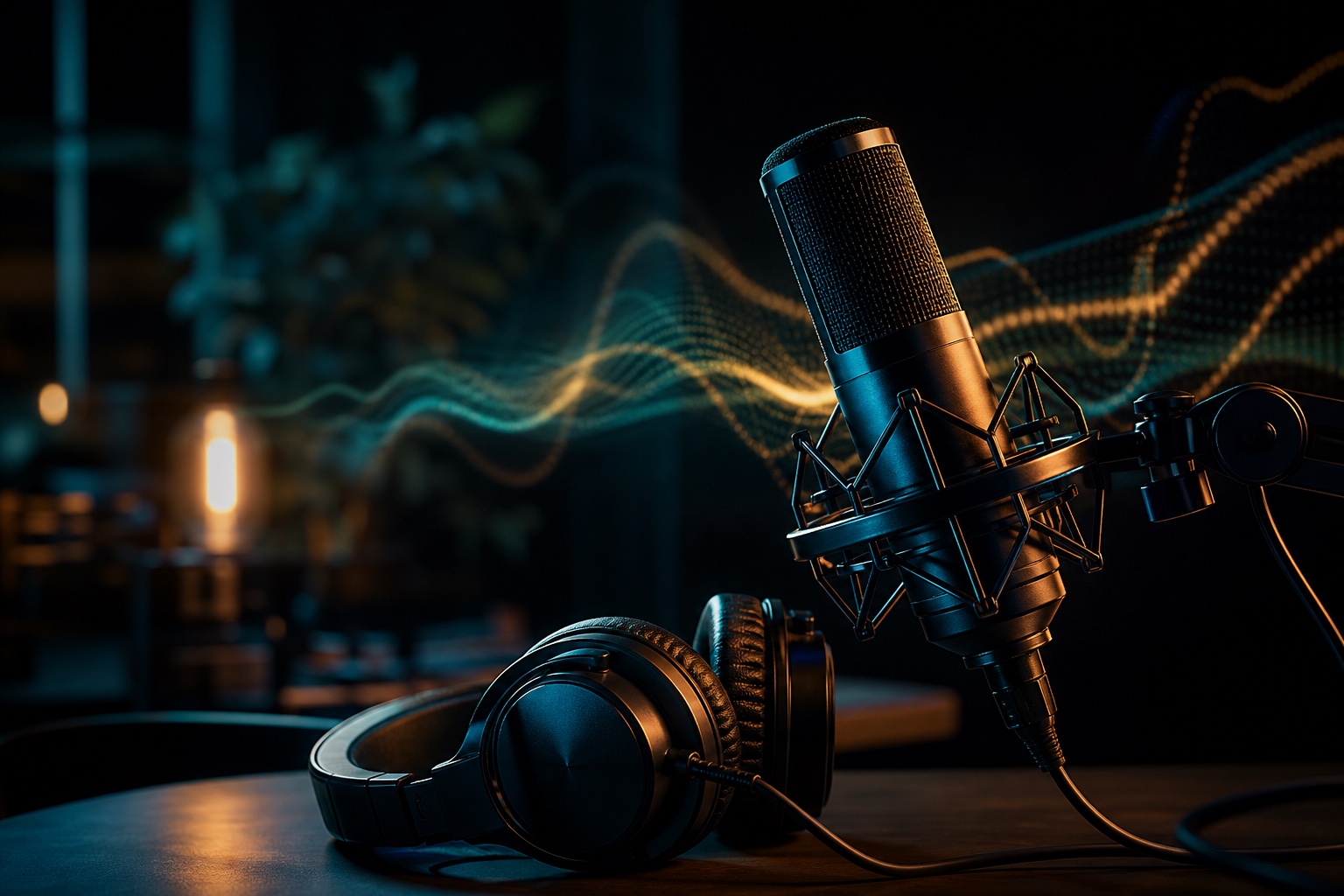 Podcast Trailer Sell the whole show in 30 seconds
How to create a music & audio video
-
Describe your video
Paste a link or type a one-line brief. Wavemaker reads it, pulls your brand, and plans the scenes, script, and pacing for you.
-
Pick a style
Choose one of the styles on this page. Each is a tuned recipe — look, cut rhythm, voice, and structure — applied automatically to your brief.
-
Generate and refine
Wavemaker writes the script, generates every shot and voiceover, and assembles a finished video. Tweak any scene in chat or on the canvas, then export.
Music & Audio video — FAQs
Can I upload my own song?
Yes — upload your track and Wavemaker analyzes its tempo and structure, then cuts the visuals to it.
Can it make a lyric video?
Describe or provide the lyrics and Wavemaker builds a synced lyric video timed to the song.
Will cuts land on the beat?
Wavemaker detects the BPM and aligns scene changes to the beat for a tight, musical edit.