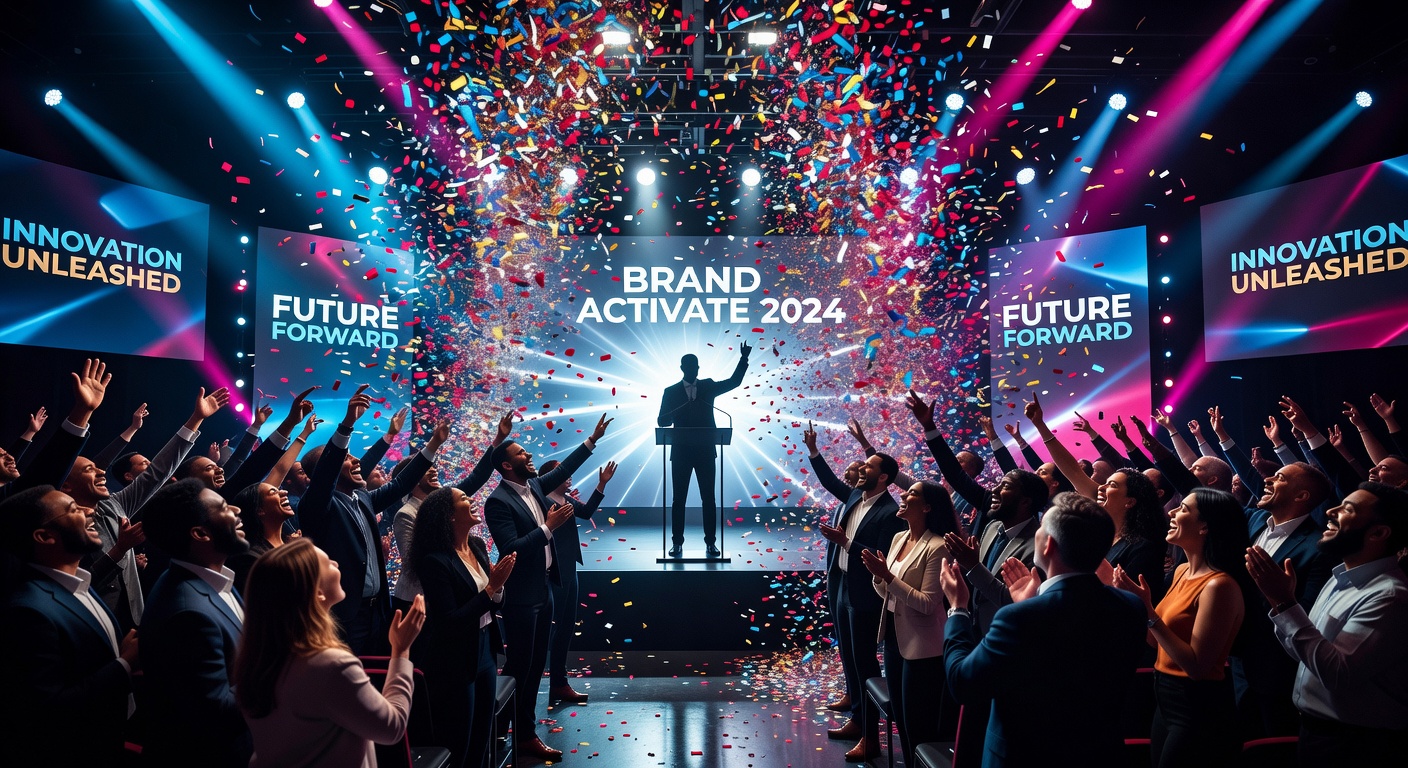
Event Highlight
The energy of the room, bottled in 60 seconds
[Attach: event photos or footage] Create an event highlight reel — crowd energy, speaker moments, networking, and product/brand activations cut together with upbeat music and a 'you had to be there' feeling
Opens the Wavemaker composer with this style pre-selected.
Event Highlight is an AI business & corporate video style — the energy of the room, bottled in 60 seconds. Wavemaker generates the entire video for you — script, visuals, voiceover, and music — and assembles a finished, ready-to-share piece in minutes.
Pick Event Highlight, describe your idea or paste a URL, and Wavemaker applies the style's tuned recipe (its look, pacing, framing, voice, and structure) to your content. You can attach your own image to feature your real product, person, or brand. Refine any scene in plain language, then export in the aspect ratio you need (vertical, square, or widescreen).
How to create a event highlight video
-
Describe your video
Paste a link or type a one-line brief. Wavemaker reads it, pulls your brand, and plans the scenes, script, and pacing for you.
-
Pick a style
Choose one of the styles on this page. Each is a tuned recipe — look, cut rhythm, voice, and structure — applied automatically to your brief.
-
Generate and refine
Wavemaker writes the script, generates every shot and voiceover, and assembles a finished video. Tweak any scene in chat or on the canvas, then export.
Event Highlight — FAQs
What is the Event Highlight video style?
Event Highlight is a business & corporate style on Wavemaker — the energy of the room, bottled in 60 seconds Selecting it steers the whole generation — look, cut rhythm, voice, and scene structure — toward that result, so you get a consistent Event Highlight feel without configuring anything.
How do I make a Event Highlight video?
Open the Wavemaker composer, choose Event Highlight, describe your idea (or paste a link), and Wavemaker writes the script, generates the visuals and voiceover, and assembles the video. Tweak any scene in chat and export.
Can I feature my own product or subject?
Yes — attach an image and Event Highlight uses your real product, person, or brand as a reference so it stays consistent across every scene instead of inventing a lookalike.
What aspect ratios can I export?
Vertical (9:16) for TikTok, Reels, and Shorts, square (1:1), and widescreen (16:9) for YouTube and the web. Some styles default to the ratio that performs best for their format.
Will it stay on-brand?
Wavemaker pulls your logo, colors, and fonts from your site (or your saved brand kit) and applies them consistently across the video.
Good for recruiting or internal comms?
Yes — these styles cover company overviews, hiring videos, all-hands announcements, and product updates.
More Business & Corporate styles
-
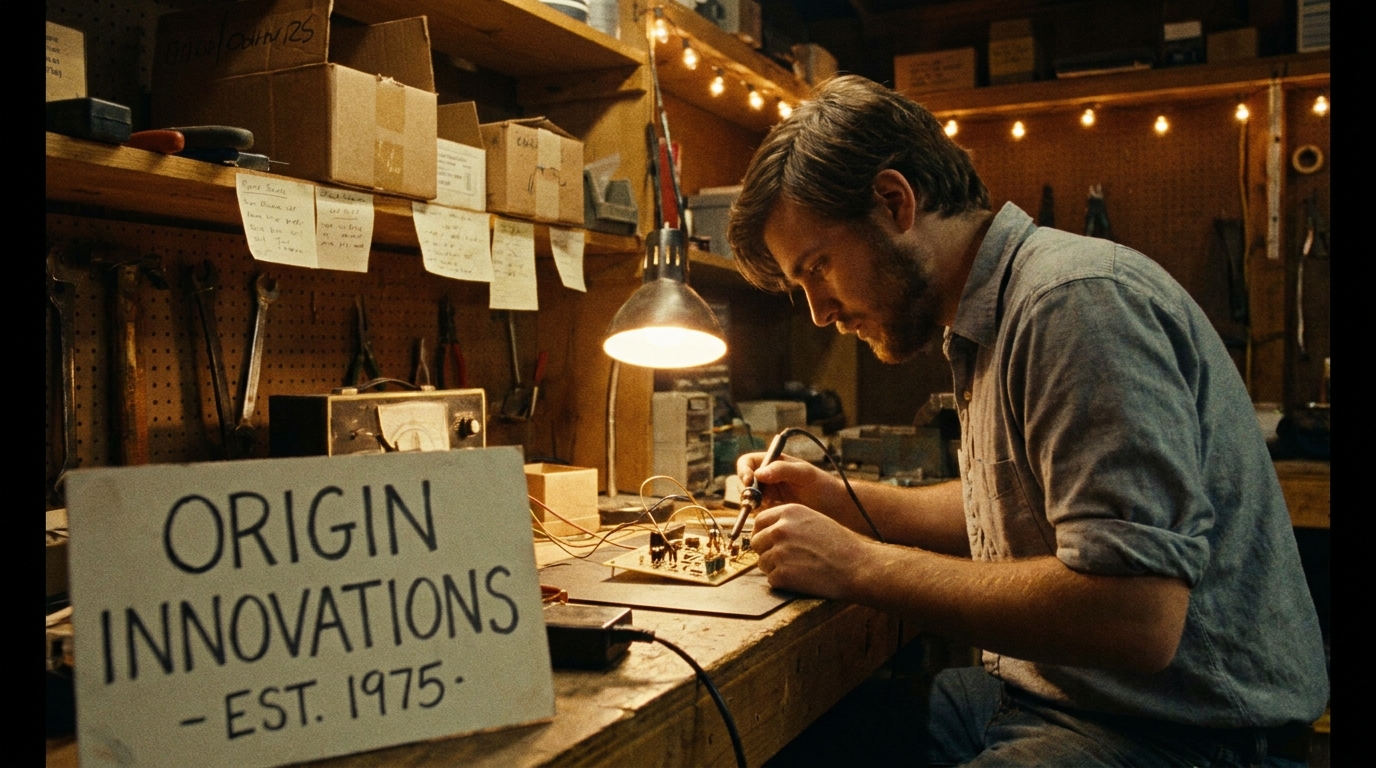 Brand Story Where it started and why it matters
 -
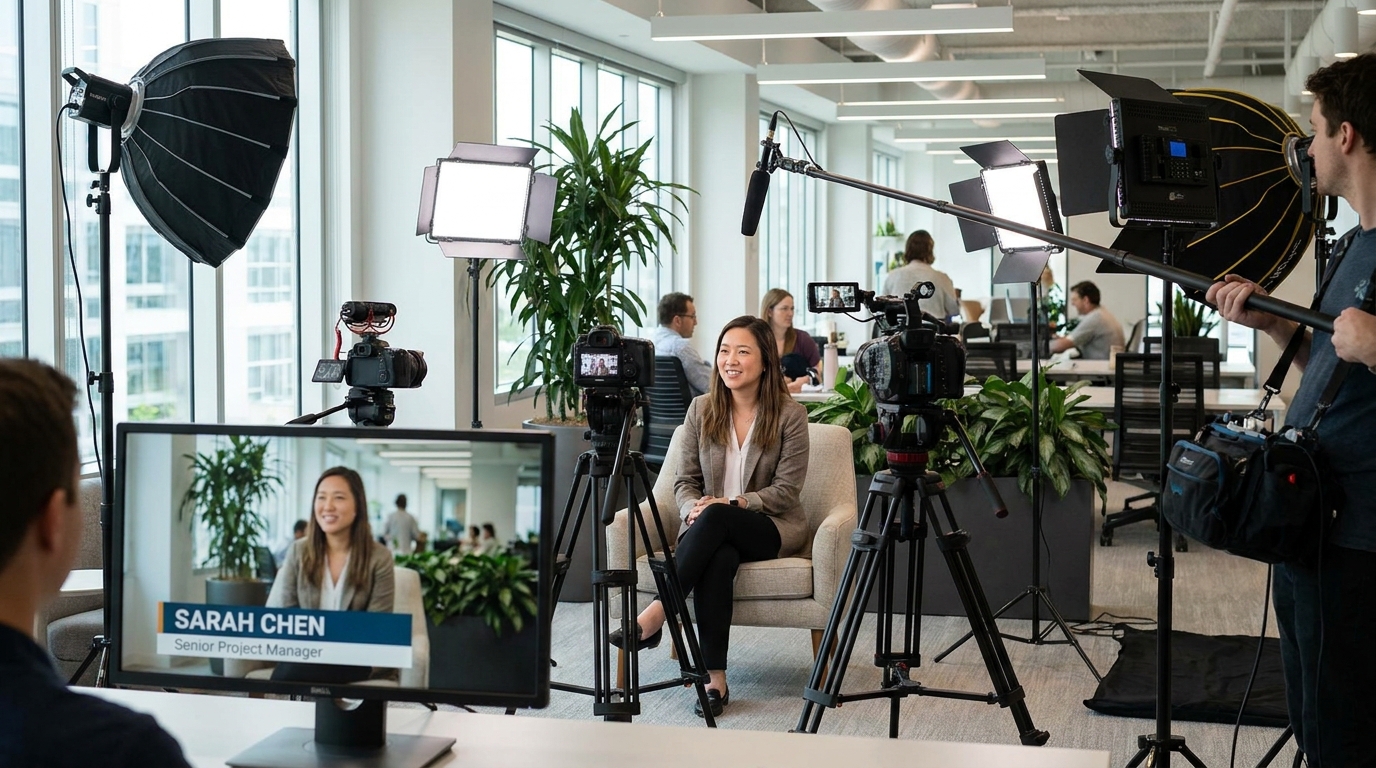 Employee Spotlight The person behind the work — real and compelling
 -
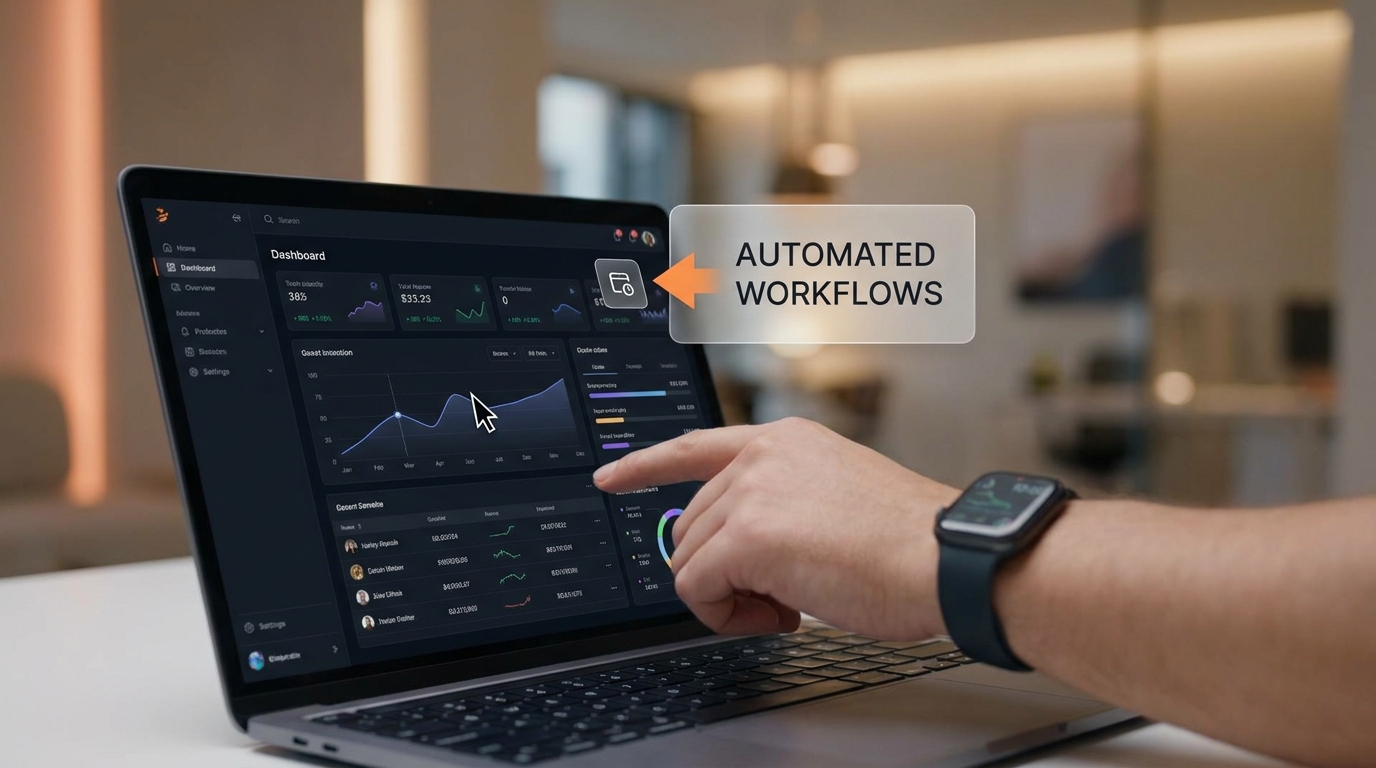 Product Demo Feature walkthrough that converts
 -
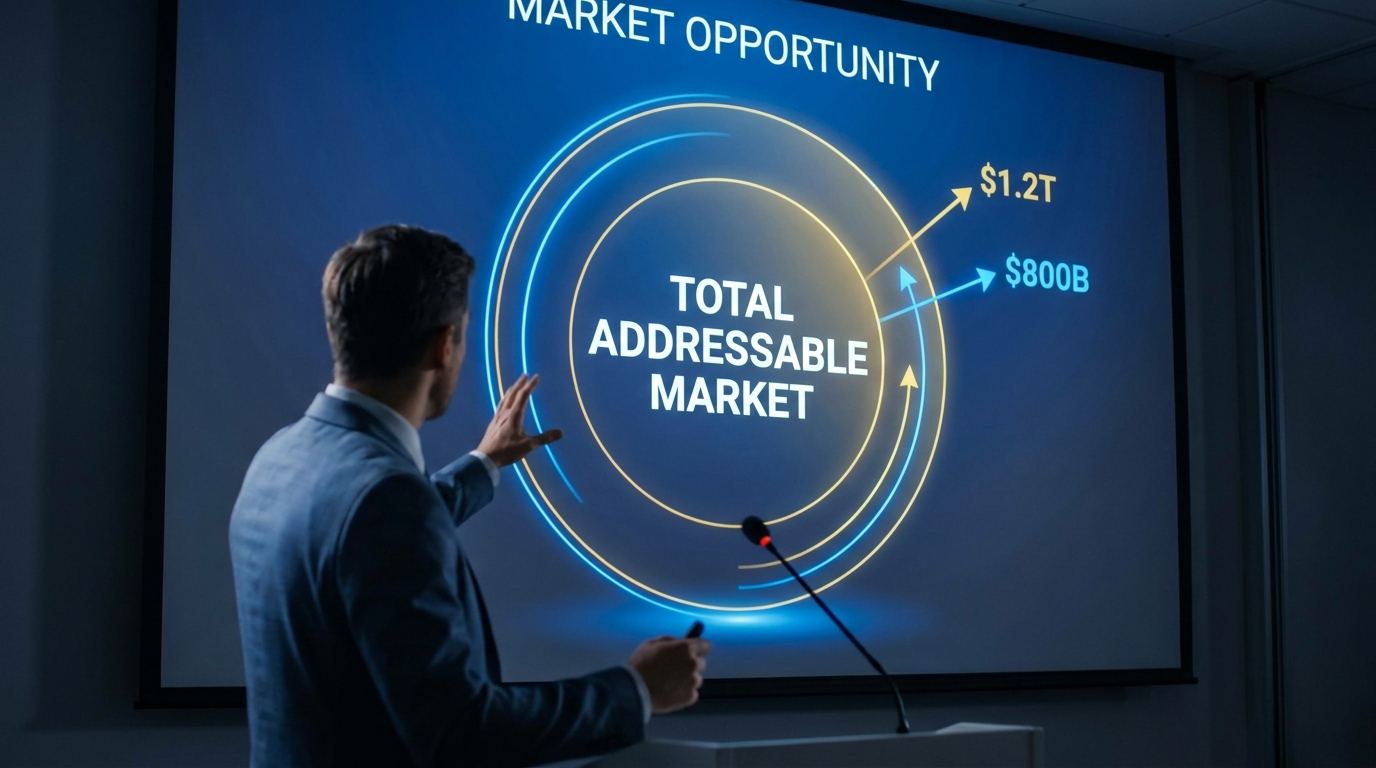 Investor Pitch Market opportunity told with conviction
 -
 Company Culture What it actually feels like to work here
 -
 Case Study Real results. Real client. Real numbers.